Write a Review
Get Demo
Affinity Designer is a graphic design software that offers a seamless experience for creating stunning illustrations, logos, and interfaces. Combining precision tools features, Affinity Designer empowers creatives to bring their imaginations to life with ease and efficiency.

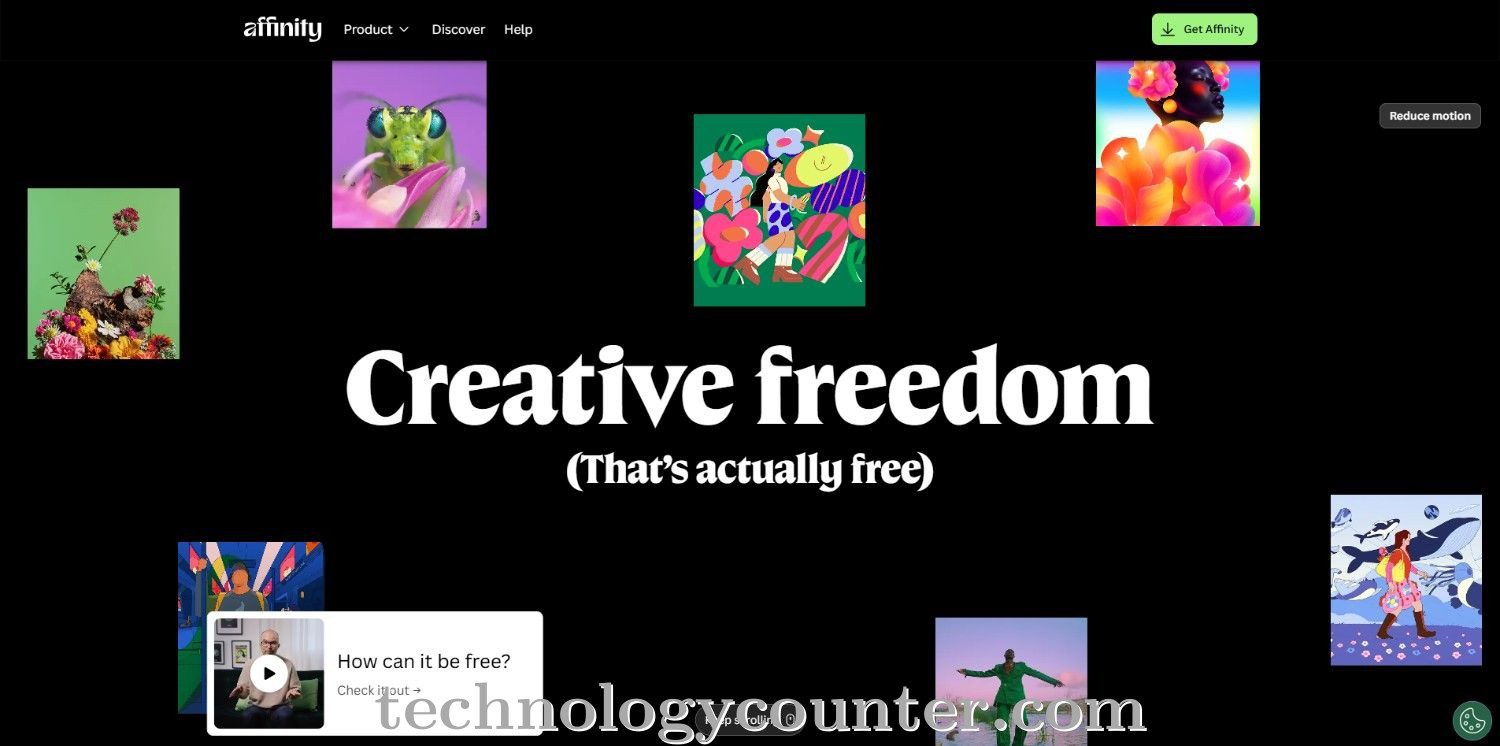
Affinity Designer is a professional-grade vector graphics editor aimed at creatives who want precision, speed, and flexibility in their design workflow. The platform provides a comprehensive set of tools for vector graphics, layout, and photo editing, catering to both beginners and professional designers. Affinity Designer's features include real-time performance, non-destructive editing, and powerful grid and snapping settings, allowing users to easily create complicated artwork.
The software's task-focused creative areas enable seamless switching between vector, pixel, and export modes, making it suitable for a wide range of design projects, including logos, illustrations, brochures, and digital assets.
Affinity Designer stands out for its extensive customization and user-friendly interface, which includes unlimited layers, masks, and groups, as well as sophisticated layer effects and blend modes. The latest upgrades include improved brush capabilities, node editing, and a new color picker that automatically applies selected colors to objects. Its fully adjustable workspace, which includes unique keyboard shortcuts and toolbars, offers a personalized experience for each designer.
Affinity Designer is a versatile, cost-effective solution for professional graphic design needs, thanks to its extensive file compatibility across the Affinity suite and robust export options.

Be the first to leave a review for Affinity Designer
Write a ReviewThe top 5 features of Affinity Designer include:
Affinity Designer serves a wide range of businesses including Freelancers, StartUps, SMEs, Enterprises.
Affinity Designer is compatible with multiple platforms, Yes, IOS , Android
The top three competitors of Affinity Designer are IFW Web Studio, DesignNbuy and BrandCrowd. To find the best fit for your business, compare and evaluate each platform's features, advantages, disadvantages, and other key aspects.
Yes, Affinity Designer offers a trial option, allowing you to test its features and functionality before committing. This trial access helps you assess how well the software meets your specific needs and ensures it’s a good fit for your business.