 Write a Review
Get Demo
Cigati VHDX Recovery Tool is a solution that repairs the corrupted VHDX file data. It scans and repairs the corrupted data of different VHDX file systems. Also, it comprises three different recovery modes to eliminate corruption.
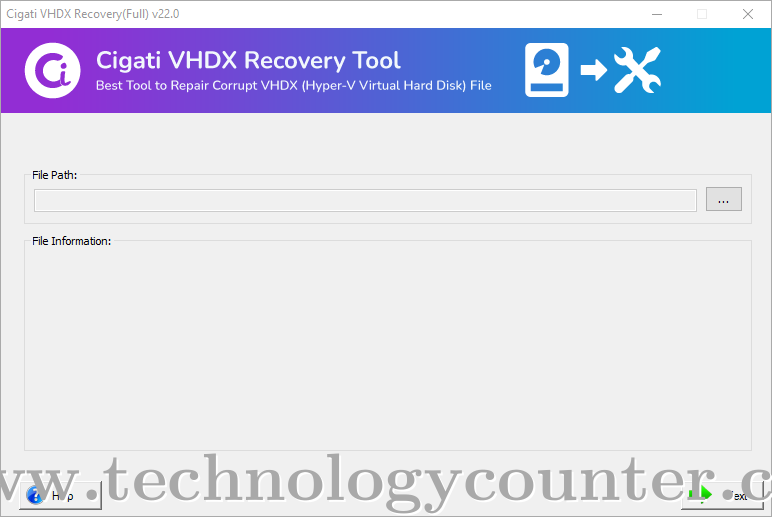
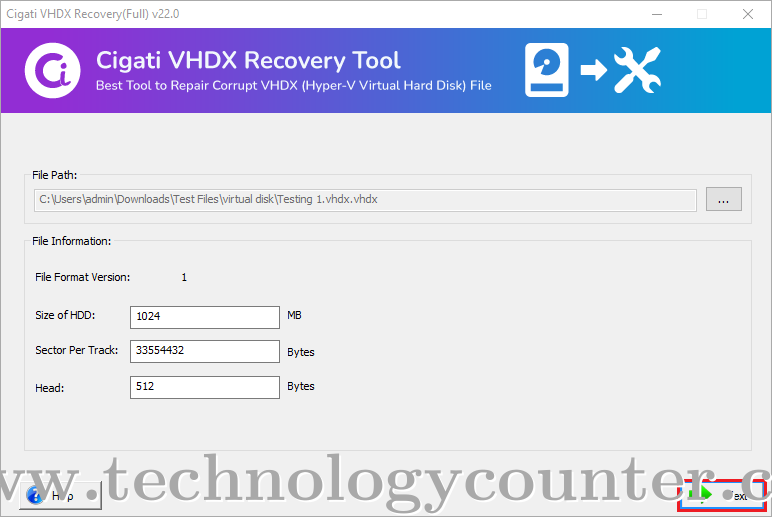
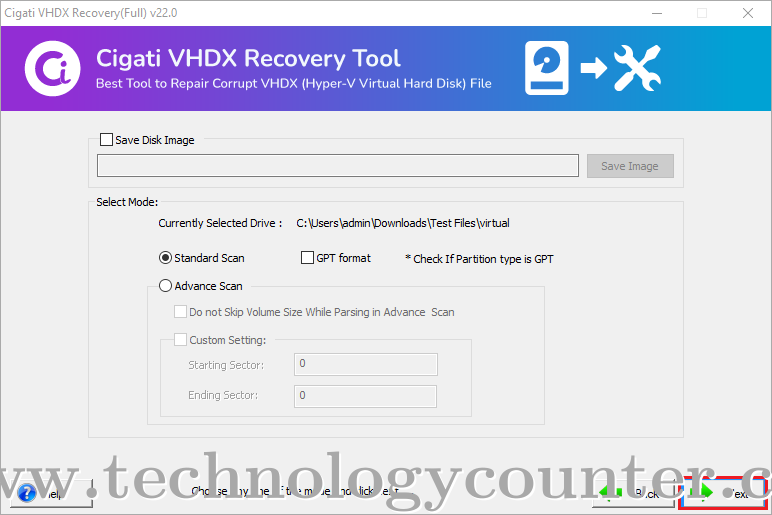
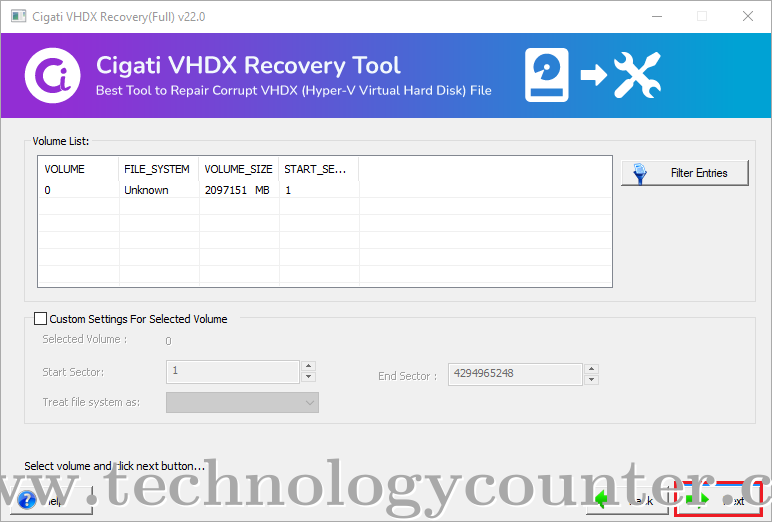
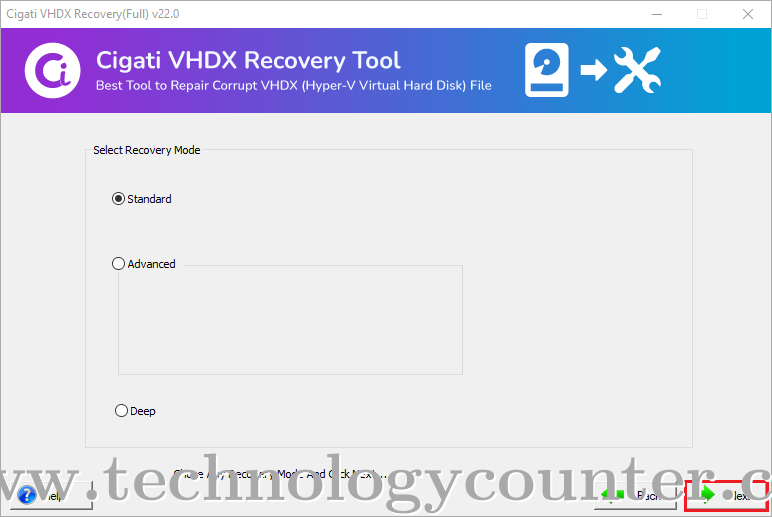
Cigati VHDX File Recovery Software is an advanced and extensive solution that repairs and restores severely corrupted VHDX file data. It offers several smart features that enhance and optimize the entire recovery process. Users can import and preview the file information regarding file format version, size of HDD, sector per track, and head. Moreover, it is compatible with Master Boot Record (MBR) and GUID Partition Table (GPT). You can also select the Standard or Advanced option for the comprehensive scanning of the corrupt VHDX file. This advanced Hyper-V Data Recovery Tool is helpful to repair the data from severely damaged VHDX files. Apart from this, it allows defining the custom settings for the selected volume on the start and end sectors basis. 1. You can download and run the Cigati VHDX Recovery Tool. Then, import the corrupt or damaged VHDX file. 2. Now, it will allow you to opt for the Standard or Advanced scanning mode. Here, you can also check on the GPT format if the partition table type is GUID. 3. In the next VHDX recovery wizard, you can define the custom settings for the selected volume and then proceed to the next step. 4. Here it allows you to select the required mode of recovery from Standard, Advanced, or Deep modes. This software is developed on the latest algorithms that make it suitable for repairing the severely corrupted VHDX file. 5. After that, it will start the recovery process. Once the process is completed, you will be able to preview the recovered VHDX file data. 6. Now, you can save this recovered file data on your system. In case you want to analyze its performance then try its free version that will allow you to experience its all functionalities. However, it only previews the recovered VHDX file data in the free version. This utility is compatible with all the latest Windows operating systems. Additionally, this Hyper-V Data Recovery Tool supports the VHDX files created in Windows Server 2012, Windows 8, Windows Server 2012 R2, and Windows 10.

Be the first to leave a review for Cigati VHDX Recovery
Write a ReviewCigati VHDX Recovery serves a wide range of businesses including Freelancers, Startups, SMEs, Agencies, Enterprises.
Cigati VHDX Recovery is compatible with multiple platforms, Windows
The top three competitors of Cigati VHDX Recovery are vMail OST to PST Converter, vMail OLM to PST Converter and Shoviv Office 365 to PST Converter. To find the best fit for your business, compare and evaluate each platform's features, advantages, disadvantages, and other key aspects.
Yes, Cigati VHDX Recovery offers a trial option, allowing you to test its features and functionality before committing. This trial access helps you assess how well the software meets your specific needs and ensures it’s a good fit for your business.