 Write a Review
Get Demo
Corel VideoStudio is a fun and feature-rich video editing software for Windows. It is ideal for novices, enthusiasts, and small enterprises, with a straightforward UI, Multi-Cam editing, 360-video, Color Grading, and AI subtitling (Ultimate) available through a low-cost one-time purchase license.
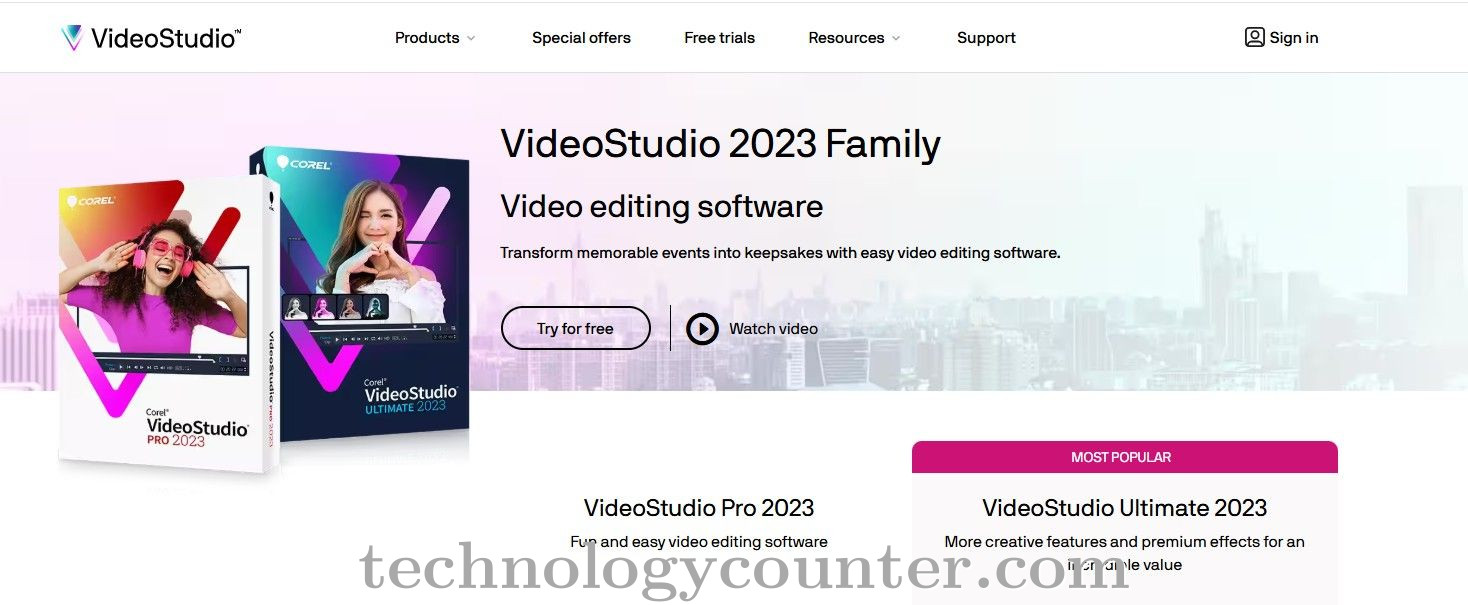
Corel VideoStudio is a sophisticated yet user-friendly video editing program geared largely at beginners, hobbyists, YouTubers, and small businesses seeking professional-quality output without the complexity or cost of high-end subscription plans. It successfully bridges the gap between consumer-level simplicity and advanced creative capabilities.
The software is praised for its simple, drag-and-drop timeline interface, which enables users to rapidly learn the ropes and begin creating projects. Its three-tab workflow (Capture, Edit, and Share) leads users rationally through the production process.
The inclusion of Instant Project Templates and Fast Flick/Highlight Reel features, which employ facial recognition or pre-set themes to automatically build polished videos from raw clips ready for speedy distribution, saves a significant amount of time for beginning users.

Be the first to leave a review for Corel VideoStudio
Write a ReviewThe top 5 features of Corel VideoStudio include:
Corel VideoStudio serves a wide range of businesses including Freelancers, Startups, SMEs.
Corel VideoStudio is compatible with multiple platforms, Windows
The top three competitors of Corel VideoStudio are Adobe After Effects, Adobe Creative Cloud and Adobe Premiere Pro. To find the best fit for your business, compare and evaluate each platform's features, advantages, disadvantages, and other key aspects.
Yes, Corel VideoStudio offers a trial option, allowing you to test its features and functionality before committing. This trial access helps you assess how well the software meets your specific needs and ensures it’s a good fit for your business.