 Write a Review
Get Demo
FileToConvert is an all-in-one online file conversion platform designed to make file management simple, fast, and accessible for everyone.
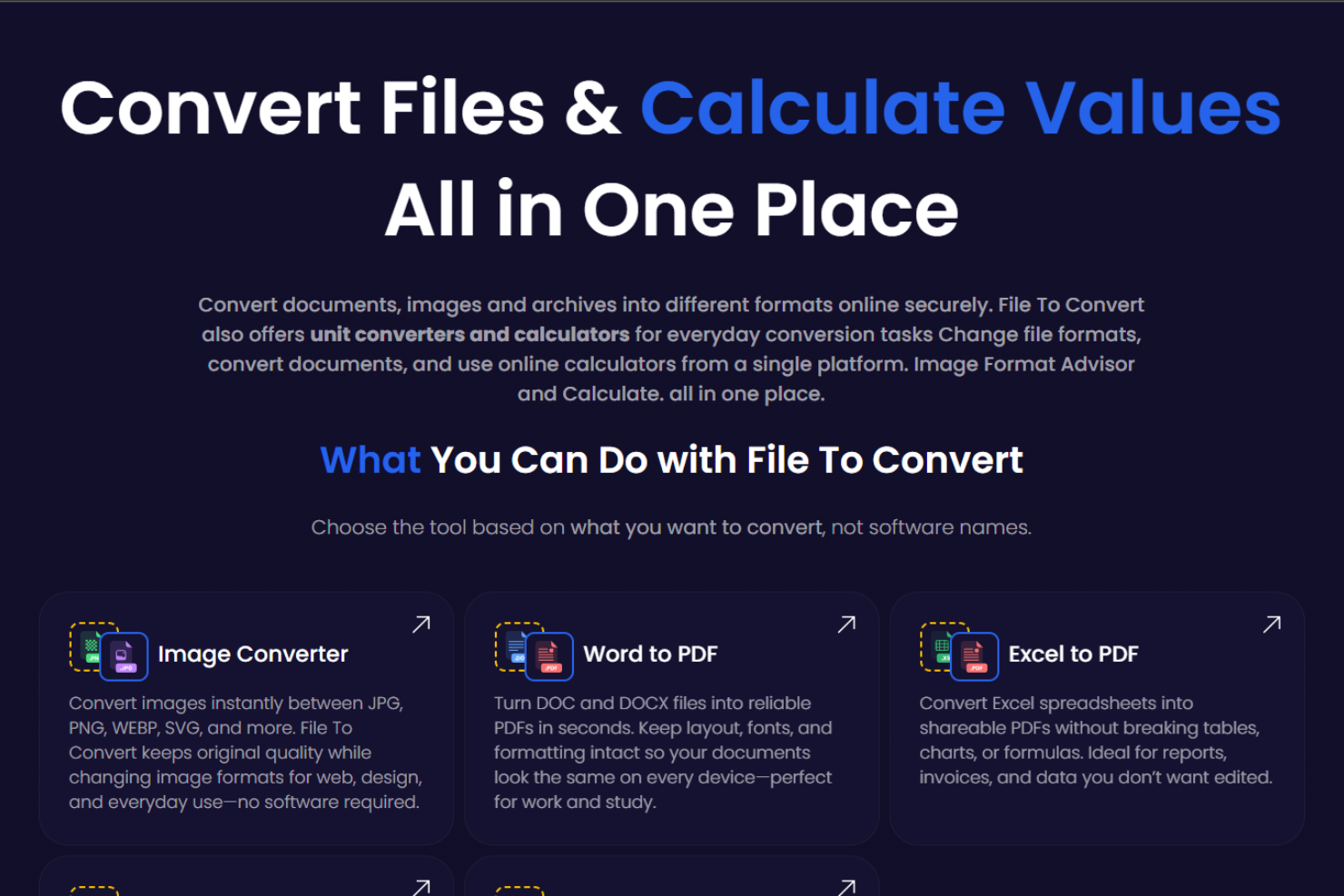
FileToConvert is an all-in-one online platform built to make file management and unit conversion simple, fast, and accessible for everyone. Whether you need to convert documents, images, audio, video, or spreadsheets, FileToConvert provides reliable tools that work directly in your browser with no software installation or registration required. The platform supports a wide range of formats, including PDF, Word, Excel, PowerPoint, JPG, PNG, and many more, helping users complete tasks quickly and efficiently.
Along with file conversion, FileToConvert offers accurate and easy-to-use unit calculators for length, weight, temperature, time, and other everyday and scientific measurements. Designed for students, professionals, and everyday users, these calculators deliver instant results using precise formulas—just enter a value, select the units, and get accurate conversions in seconds.
Security and privacy are a top priority at FileToConvert. Uploaded files are processed securely and automatically deleted after conversion to protect user data. Fast, free, and user-friendly, FileToConvert is a trusted solution for hassle-free file conversion and accurate unit calculations online.

Be the first to leave a review for File To Convert
Write a ReviewThe top 5 features of File To Convert include:
File To Convert serves a wide range of businesses including Freelancers, Startups, SMEs, Agencies, Enterprises.
File To Convert is compatible with multiple platforms, Web App,Windows,Macintosh,Linux, IOS , Android
The top three competitors of File To Convert are Alfresco, AppsTec DMS and File Stream. To find the best fit for your business, compare and evaluate each platform's features, advantages, disadvantages, and other key aspects.
Yes, File To Convert offers a trial option, allowing you to test its features and functionality before committing. This trial access helps you assess how well the software meets your specific needs and ensures it’s a good fit for your business.