 Write a Review
Get Demo
Google Drive is a powerful cloud storage and synchronization platform that serves as the foundation for the Google Workspace ecosystem. It provides real-time collaboration, file sharing, and safe access to documents, photographs, and videos from any device, all powered by AI-powered search and seamless interaction with Docs, Sheets, and Slides.
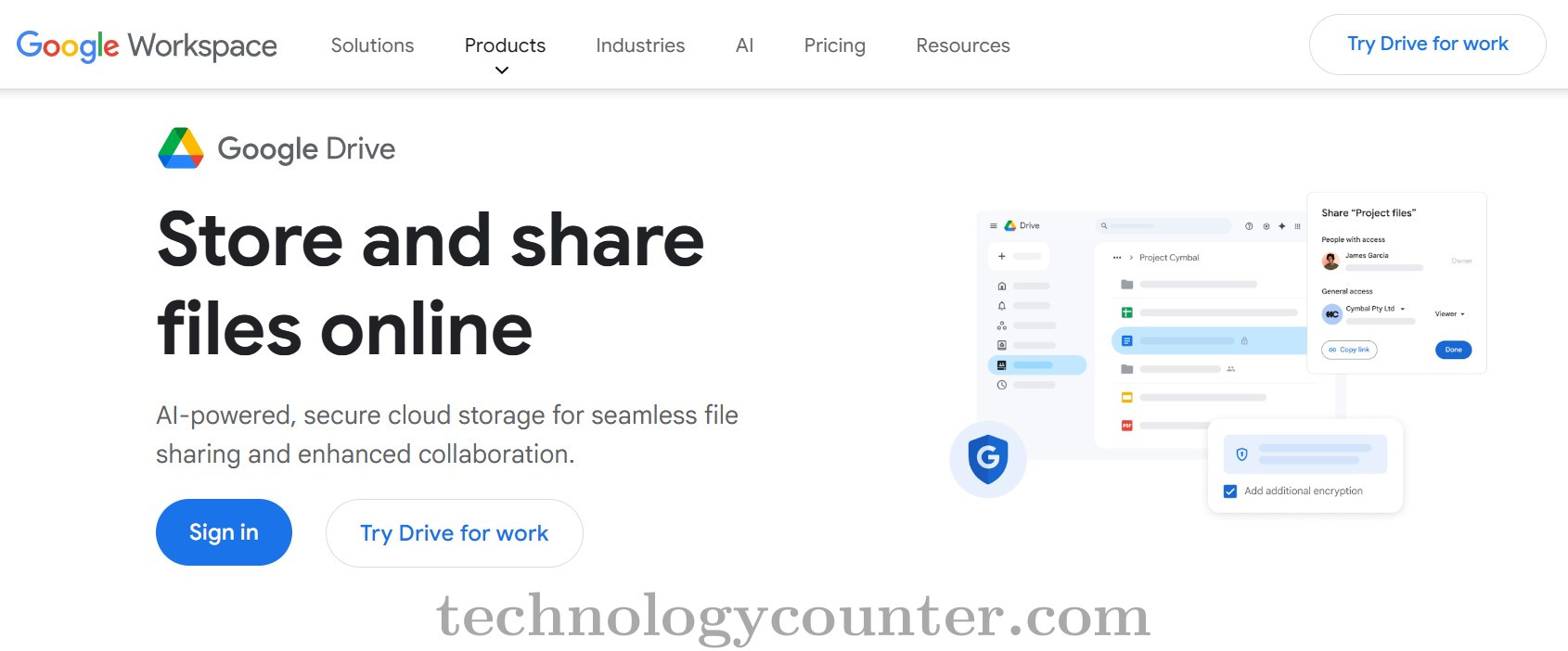
Google Drive is Google's secure, cloud-based file storage and syncing service, meant to serve as the foundation for modern, distant productivity. It goes beyond simple storage to serve as a central collaborative hub, fully integrated with the complete Google Workspace suite (Docs, Sheets, Slides, Gmail, Meet, etc.).
Individuals, small organizations, and large enterprises can store, access, share, and collaborate on digital items such as documents, presentations, media, and backups from anywhere and on any device with internet access.
The platform's main feature is real-time synchronization, which ensures that files are constantly updated across all connected devices (web, mobile, and desktop applications) and that collaborators are always working on the most recent version.
This capability, together with sophisticated version control and file history, protects against unintentional modifications and allows users to simply restore earlier edits.

Be the first to leave a review for Google Drive
Write a ReviewThe top 5 features of Google Drive include:
Google Drive serves a wide range of businesses including Freelancers, Startups, SMEs, Agencies, Enterprises.
Google Drive is compatible with multiple platforms, Web App,Windows,Macintosh,Linux
The top three competitors of Google Drive are Greenbox, HRAPP and Kriti RDMS. To find the best fit for your business, compare and evaluate each platform's features, advantages, disadvantages, and other key aspects.
Yes, Google Drive offers a trial option, allowing you to test its features and functionality before committing. This trial access helps you assess how well the software meets your specific needs and ensures it’s a good fit for your business.

.png)
.png)

.png)
.png)