iWork

Apple Inc has not claimed this profile. Information is provided by TechnologyCounter.
Do you work at Apple Inc? Claim your profile to keep your product information updated.
Get Demo
Get Demo

What is iWork?

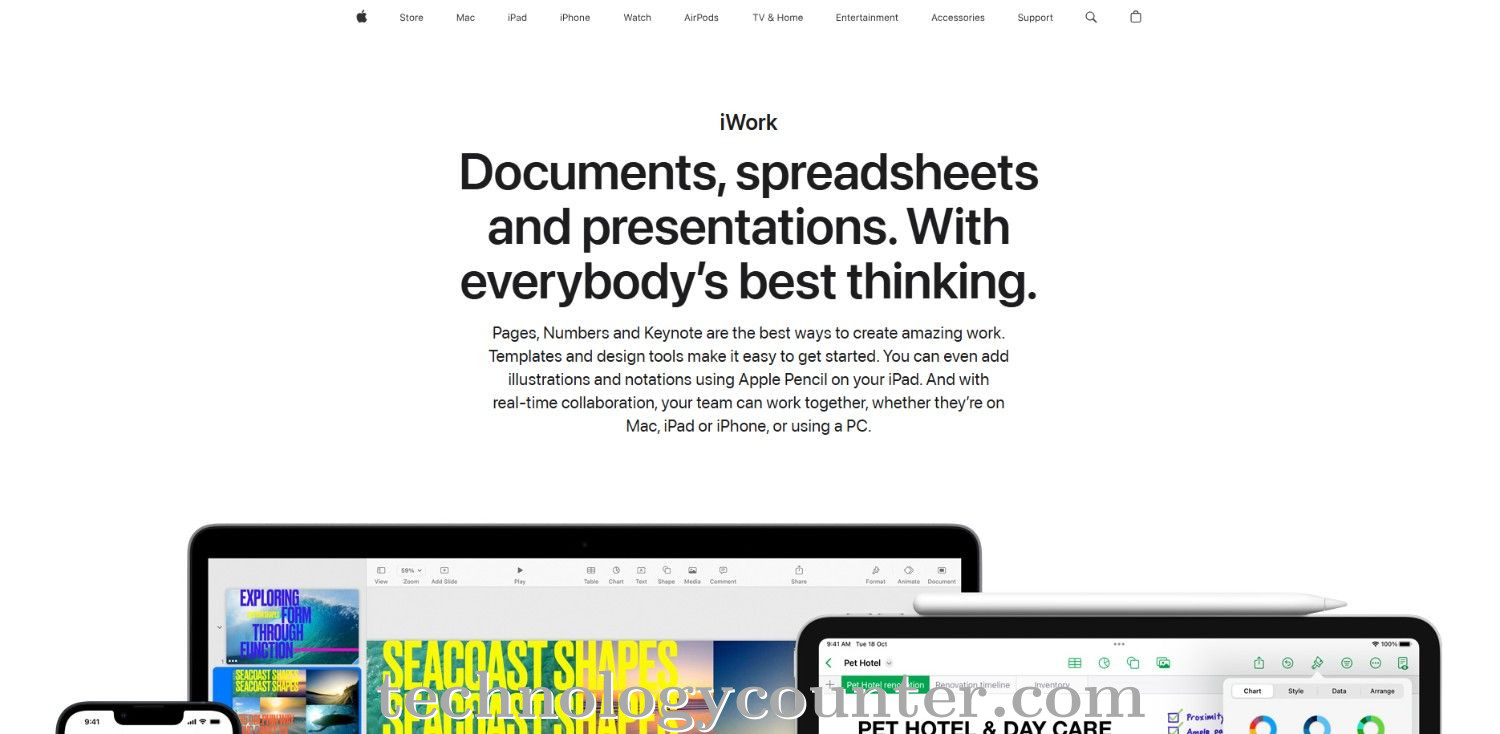
iWork is Apple's office suite that includes Pages (documents), Numbers (spreadsheets), and Keynote (presentations) for Mac, iPhone, and iPad. It is lightweight, intuitive, and designed with Apple in mind, allowing for seamless cloud syncing via iCloud, making it excellent for anyone who needs easy, polished document creation.

Key Features of iWork

  • Document formatting and editing
  • Data analysis and visualization
  • Presentation creation and editing
  • Note-taking and task management
  • Contacts and address book management
  • Calendar and scheduling
  • Email management
  • Spreadsheet creation and management
  • Word processing

iWork Pricing

To get a customized quote Click here >>

Screenshots

iWork Specifications

Software Accessible: Cloud Based
Run On Mobile Browser: Yes
Offers Free Trial: Yes
Payment Options: Onetime (Perpetual license)
Life Time Free Plan: Yes
APIs Available: No
Customization Possible: Yes
Device Support: Desktop,Mobile,Tablet,iPad
Available Support: Email,Live Support,Training
Desktop Platforms: Web App,Macintosh
Languages Available: English,French,German,Spanish
Software Industry: All Industries
Company Details
Contact Now
Company Name Apple Inc
Company Website Visit Website
iWork Description

iWork is Apple's native office productivity suite for macOS, iOS, and iPadOS. It includes Pages for word processing and page layout, Numbers for spreadsheets, and Keynote for presentations. Built with Apple's distinctive simplicity and clean style, iWork provides an intuitive, user-friendly experience that combines document creation, design, and collaboration in a single package.

iWork allows users to produce professionally prepared papers, reports, spreadsheets, and presentations using photos, charts, tables, and animations. They can utilize pre-built templates or start from scratch. Because it is intimately linked with Apple's environment, iWork enables seamless syncing via iCloud: your documents are updated across Mac, iPhone, and iPad, allowing users to begin a project on one device and continue on another without interruption.

Do You Work For iWork
Talk To An Advisor
Talk To An Advisor
We will reach out for free Consultation
Contact Expert
iWork Categories on the TechnologyCounter
Alternatives of iWork
Adobe Docu... 0.0
Rollbar bu... 0.0
WordPerfec... 0.0
Microsoft ... 0.0
LibreOffic... 0.0
Apache Ope... 0.0
Zoho Workp... 0.0
OpenText C... 0.0

iWork Rating

Be the first to leave a review for iWork

Write a Review

iWork FAQ's

The top 5 features of iWork include:

  1. Document formatting and editing
  2. Data analysis and visualization
  3. Presentation creation and editing
  4. Note-taking and task management
  5. Contacts and address book management

iWork serves a wide range of businesses including Freelancers, Startups, SMEs, Agencies, Enterprises.

iWork is compatible with multiple platforms, Web App,Macintosh

The top three competitors of iWork are Adobe Document Cloud, Rollbar bug tracking and WordPerfect Office. To find the best fit for your business, compare and evaluate each platform's features, advantages, disadvantages, and other key aspects.

Yes, iWork offers a trial option, allowing you to test its features and functionality before committing. This trial access helps you assess how well the software meets your specific needs and ensures it’s a good fit for your business.


Please Wait, Processing...