 Write a Review
Get Demo
Kondor File Manager is a native macOS file manager and Finder alternative for fast dual-pane browsing, search, previews, archives, folder sync, remote files, and bulk media conversion. Kondor Lite is free for everyday Mac file work.
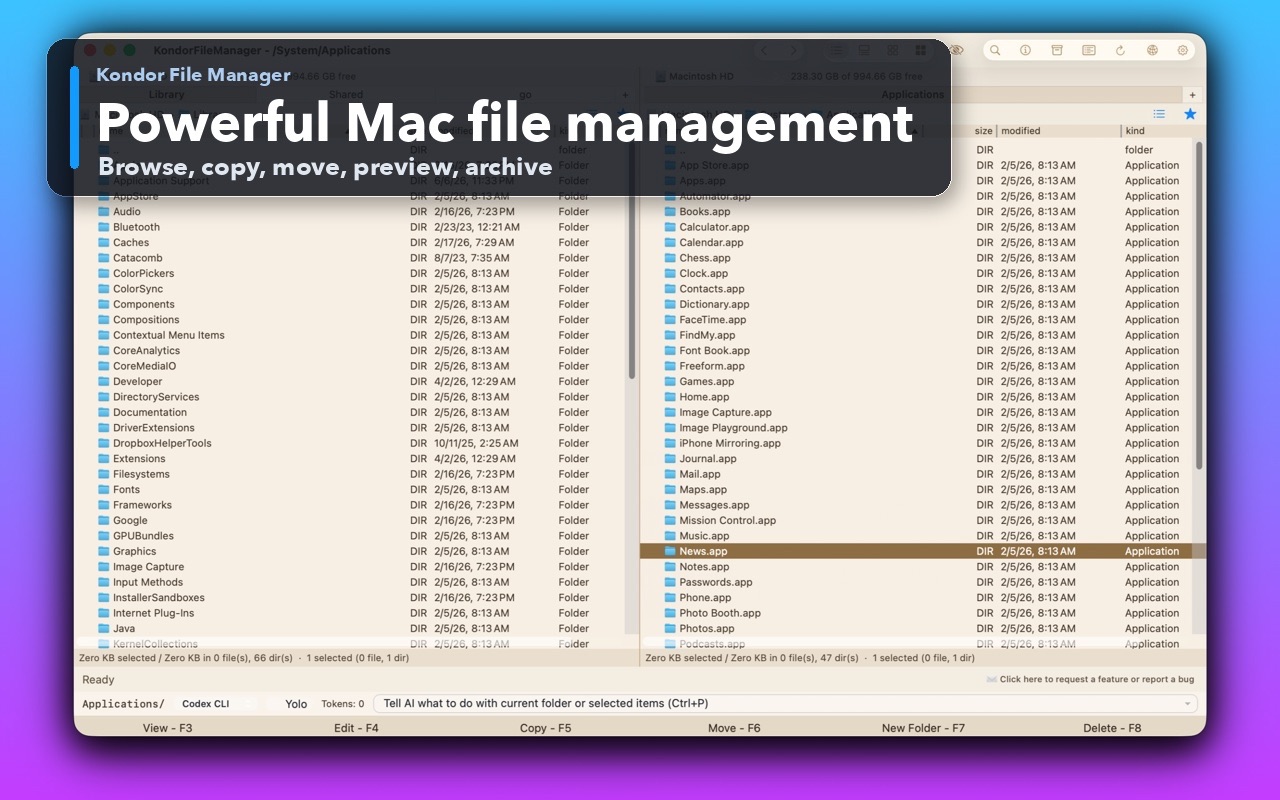
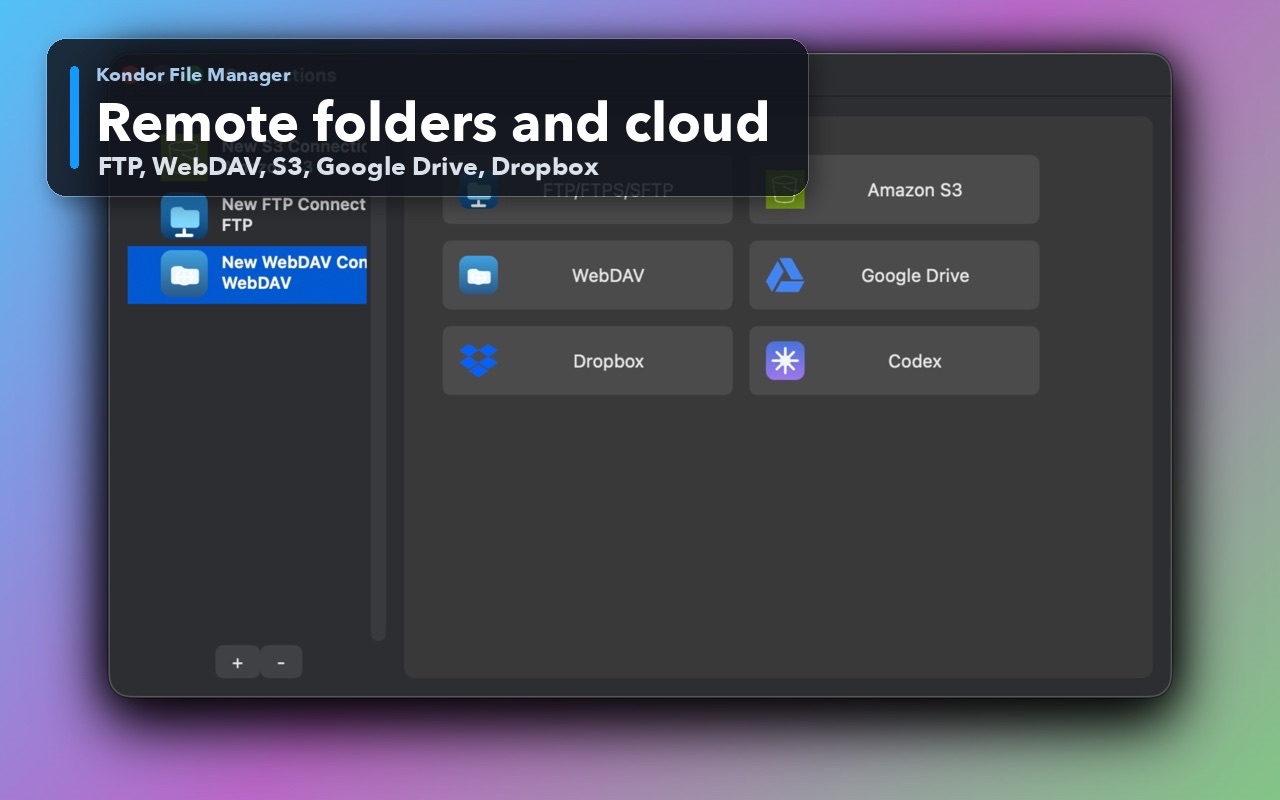
Kondor File Manager is a native Mac file manager built for people who need more speed and control than Finder provides. It combines dual-pane browsing, tabs, keyboard-first actions, search, previews, archives, folder comparison and sync, remote and cloud resources, direct-device workflows, and bulk image or video conversion. Mac power users, developers, creators, photographers, video editors, and IT users can use Kondor as a practical file explorer for macOS when organizing downloads, comparing folders, extracting archives, transferring files, or managing FTP, SFTP, WebDAV, S3, Dropbox, Google Drive, and local files. Kondor Lite is free for daily local file work; Kondor Pro adds advanced remote, sync, archive, media, and device workflows.

Be the first to leave a review for Kondor File Manager
Write a ReviewThe top 5 features of Kondor File Manager include:
Kondor File Manager serves a wide range of businesses including Freelancers, Startups, SMEs, Agencies, Enterprises.
Yes, Kondor File Manager integrates seamlessly with: FTP, SFTP, WebDAV, S3, Dropbox, Google Drive
Kondor File Manager is compatible with multiple platforms, Macintosh
The top three competitors of Kondor File Manager are Alfresco, AppsTec DMS and File Stream. To find the best fit for your business, compare and evaluate each platform's features, advantages, disadvantages, and other key aspects.
Currently, Kondor File Manager does not offer trial access. However, you can still explore its capabilities through available product demos, feature guides, and customer reviews.