 Write a Review
Get Demo
Microsoft Copilot integrates strong, context-aware generative AI into Microsoft 365 and other Microsoft products, assisting users with content creation, document summarization, idea generation, question answering, and workflow speedups. This solution is suitable for professionals and teams seeking AI-assisted productivity.
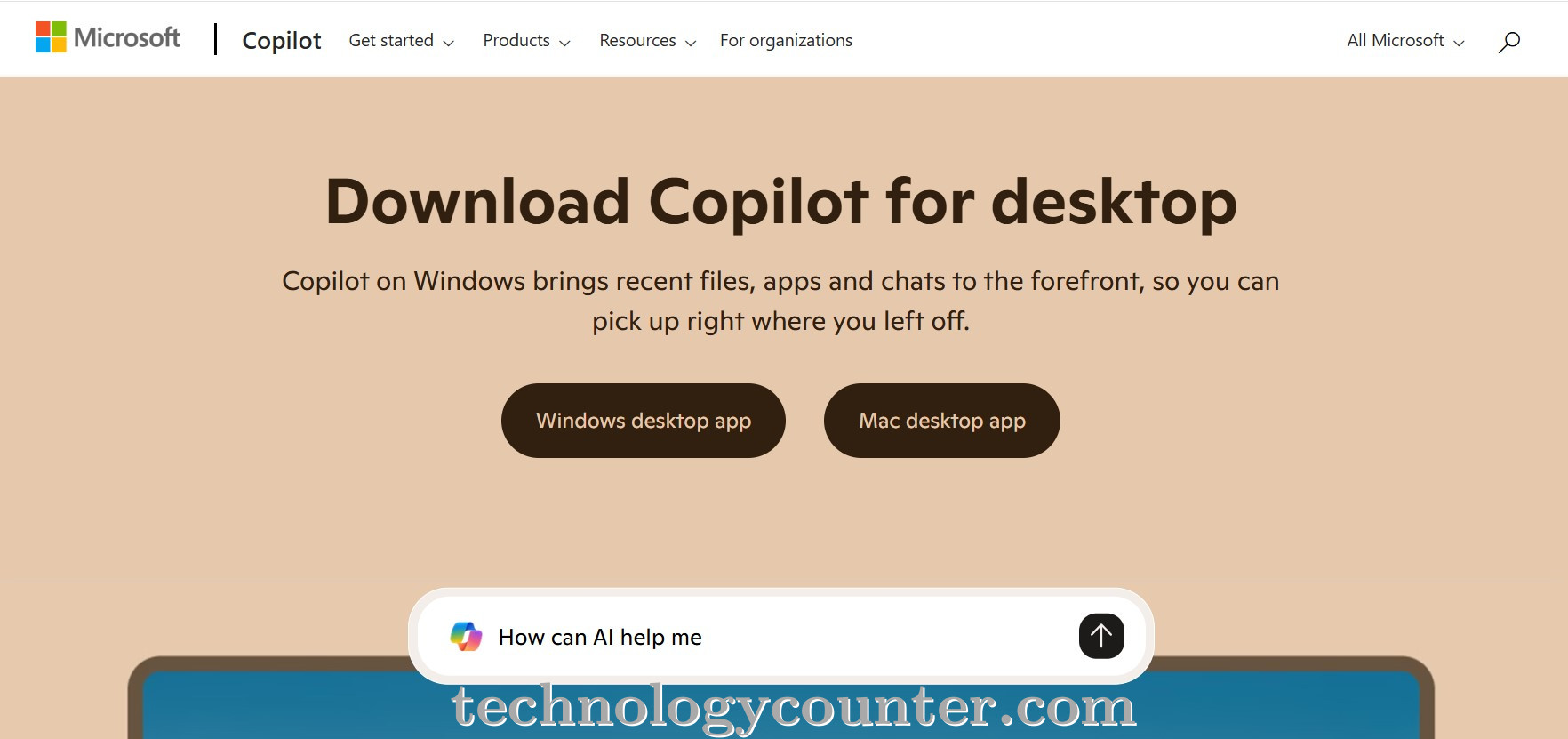
Microsoft Copilot is an AI assistant that integrates with Word, Excel, Outlook, PowerPoint, and other productivity apps to improve workflows with generative AI capabilities. Copilot understands context from your papers, emails, or spreadsheets, allowing you to draft emails or reports, summarize large documents, build slide decks, produce data-driven insights or ideas, and automate repetitive processes, revolutionizing how professionals work, write, and manage data.
Because it is built within software that many teams already use, Copilot integrates effortlessly with existing workflows. For example, instead of manually summarizing a lengthy report, you ask Copilot for a concise summary; rather than starting from scratch with an email, Copilot provides a first draft based on key points; in spreadsheets, it can analyze trends or highlight anomalies; and in presentations, it can help outline slides or suggest design/layout saving time and reducing cognitive load.

Be the first to leave a review for Microsoft Copilot
Write a ReviewThe top 5 features of Microsoft Copilot include:
Microsoft Copilot serves a wide range of businesses including Startups, SMEs, Agencies, Enterprises.
Microsoft Copilot is compatible with multiple platforms, Web App
The top three competitors of Microsoft Copilot are Bonzai, CoPilot AI and Intel AI. To find the best fit for your business, compare and evaluate each platform's features, advantages, disadvantages, and other key aspects.
Yes, Microsoft Copilot offers a trial option, allowing you to test its features and functionality before committing. This trial access helps you assess how well the software meets your specific needs and ensures it’s a good fit for your business.