 Write a Review
Get Demo
Miro, the innovative solution for seamless collaboration and visualizing ideas. With its user-friendly interface and powerful features, Miro helps teams communicate, brainstorm and plan projects in a dynamic is a manner. Say goodbye to scattered ideas and endless email threads, and say hello to a more organized, creative and productive way of working.

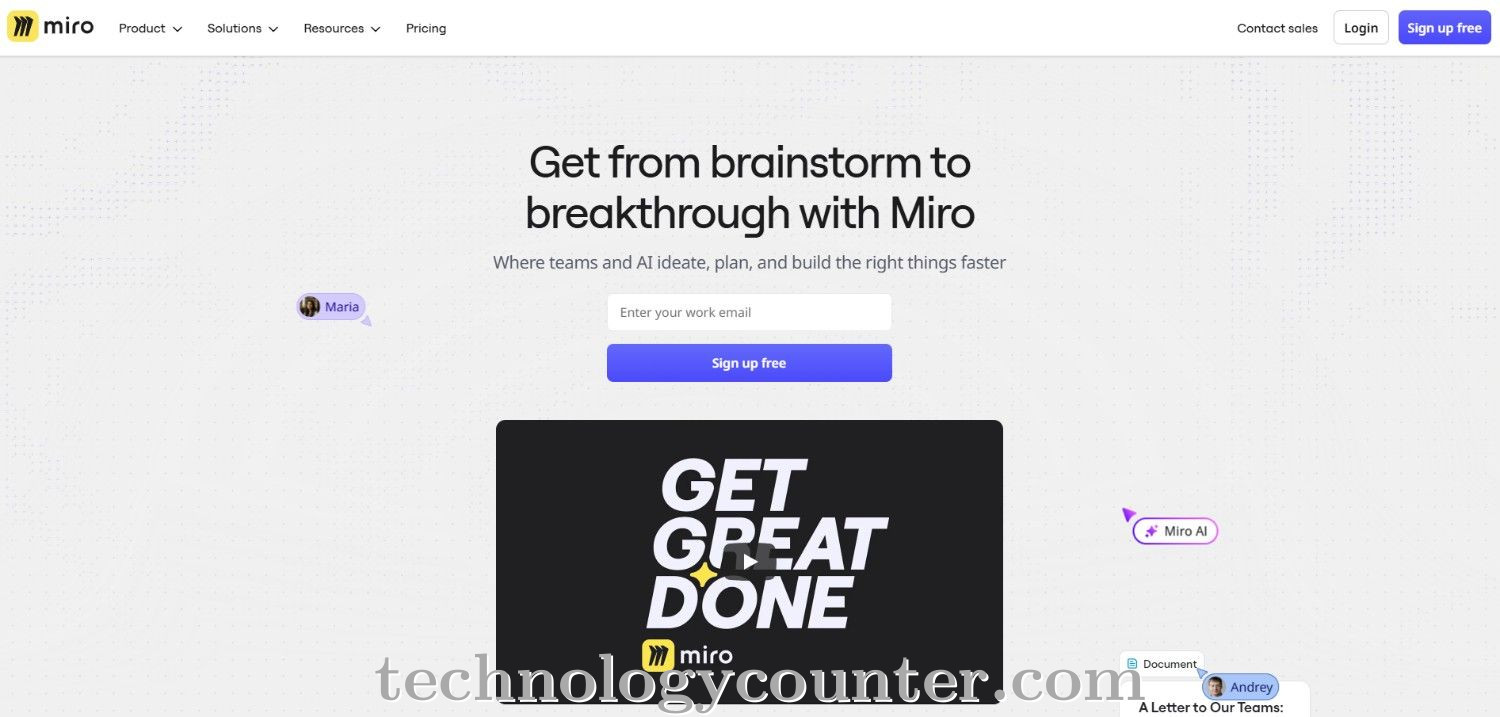
Miro is an AI-powered innovation workspace that aims to improve communication and streamline workflows for teams of any size. Its intelligent canvas enables teams to collaborate in real time on projects ranging from brainstorming sessions to strategic planning, product roadmapping, and agile ceremonies.
Miro's configurable templates and distraction-free formats such as documents, data tables, timelines, and slides, help teams organize their work efficiently and tailor workflows to their specific requirements, allowing creative ideas to thrive and projects to go smoothly.
Miro integrates over 160 productivity applications, including Microsoft Teams, Slack, Jira, Asana, and Google Workspace, to create a unified environment in which teams can interact without navigating between apps. Advanced capabilities like live editing, video conferencing, screen sharing, and AI-powered help make meetings and project management more engaging and efficient.
Miro also provides strong security and governance controls, making it a reliable alternative for businesses looking to protect sensitive data while encouraging teams to develop and achieve more together.

Be the first to leave a review for Miro
Write a ReviewThe top 5 features of Miro include:
Miro serves a wide range of businesses including StartUps, SMEs, Agencies, Enterprises.
Miro is compatible with multiple platforms, No, IOS , Android
The top three competitors of Miro are Bitrix24, Sign.cc and Teams.cc. To find the best fit for your business, compare and evaluate each platform's features, advantages, disadvantages, and other key aspects.
Currently, Miro does not offer trial access. However, you can still explore its capabilities through available product demos, feature guides, and customer reviews.