 Write a Review
Get Demo
Reduce large PDF files quickly without losing document quality. Compress reports, scanned PDFs, invoices, and presentations for faster sharing, smooth uploads, and better storage management with secure offline PDF compression on Windows systems.
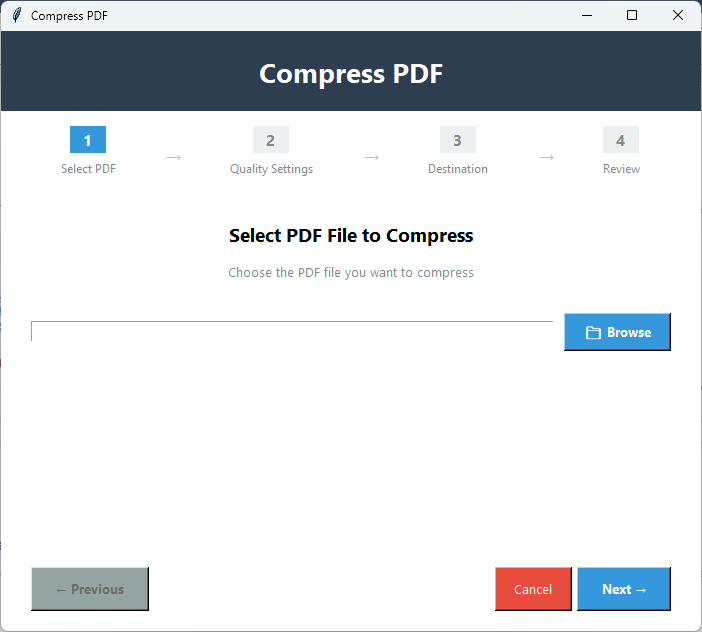
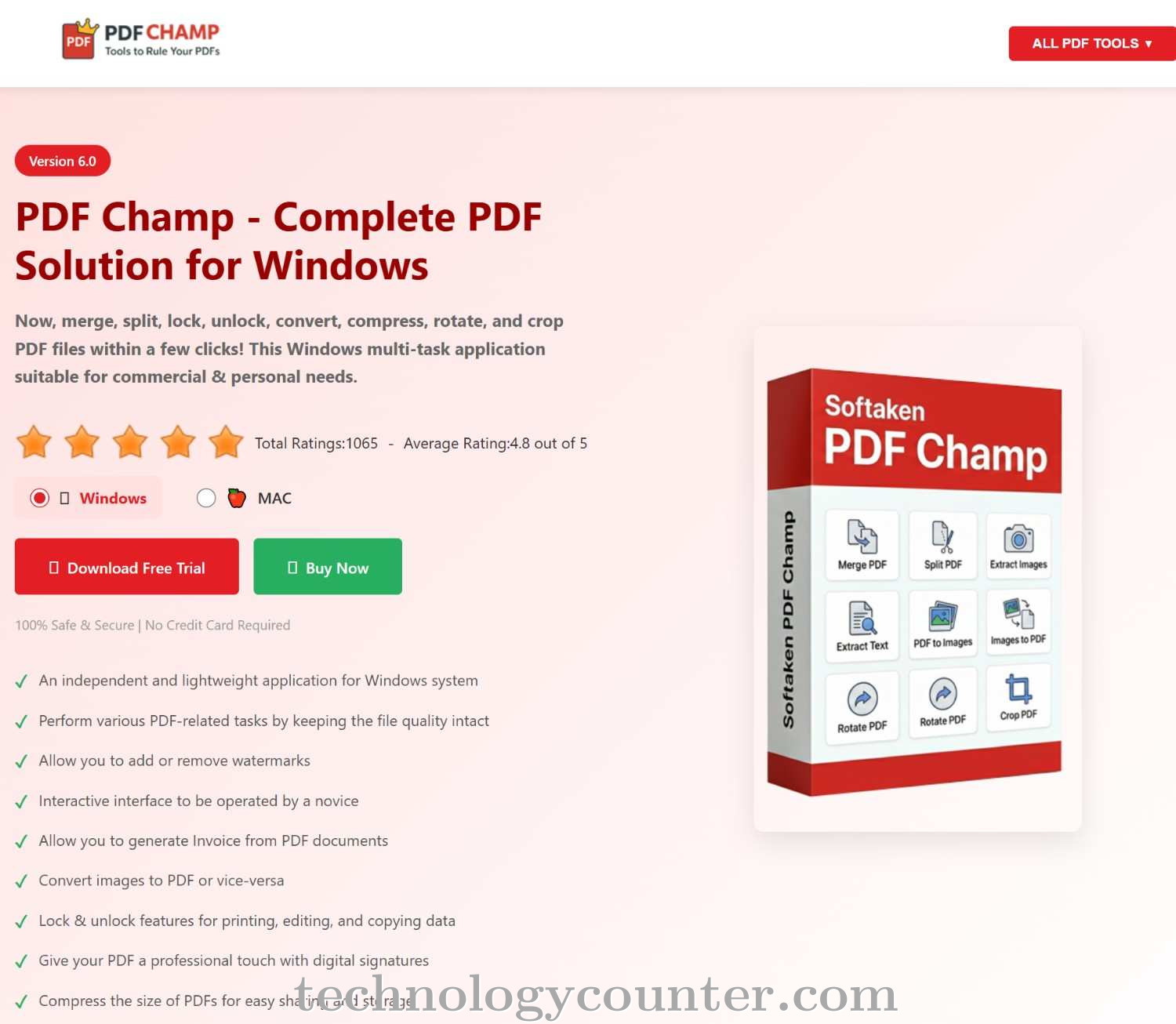
Heavy PDF documents can slow down sharing, uploading, and storage management, especially when files contain images, forms, reports, scanned pages, or business records. PDF Champ PDF Compress Tool provides an offline way to reduce PDF file size while keeping the document usable and properly structured.
The software is built for Windows 64-bit systems and works without uploading files to any online platform. The output can be modified according to the requirement for a reduced size and improved visual clarity because it supports various compression settings.
Users can review size details before final processing, which helps understand how much the file may be reduced. The tool also supports multiple PDF compression in the full version, making it useful for regular document handling, email attachments, online form uploads, archive management, and storage cleanup.
Text, layout, images, and page structure are preserved as much as possible depending on the selected compression level. It is a practical solution for anyone dealing with bulky PDF files in daily work. Download now and make large PDF files easier to share, upload, and store.

Be the first to leave a review for PDF Champ
Write a ReviewThe top 5 features of PDF Champ include:
PDF Champ serves a wide range of businesses including Freelancers, Startups, SMEs, Agencies, Enterprises.
PDF Champ is compatible with multiple platforms, Windows,Macintosh
The top three competitors of PDF Champ are Advanced PDF Manager, Systweak PDF Editor and PDF Split Merge More. To find the best fit for your business, compare and evaluate each platform's features, advantages, disadvantages, and other key aspects.
Yes, PDF Champ offers a trial option, allowing you to test its features and functionality before committing. This trial access helps you assess how well the software meets your specific needs and ensures it’s a good fit for your business.