 Write a Review
Get Demo
PDF.net is an online PDF editor that helps users edit, convert, merge, annotate, sign, and protect PDF files. It’s designed for quick, straightforward document tasks with an intuitive interface for everyday use.
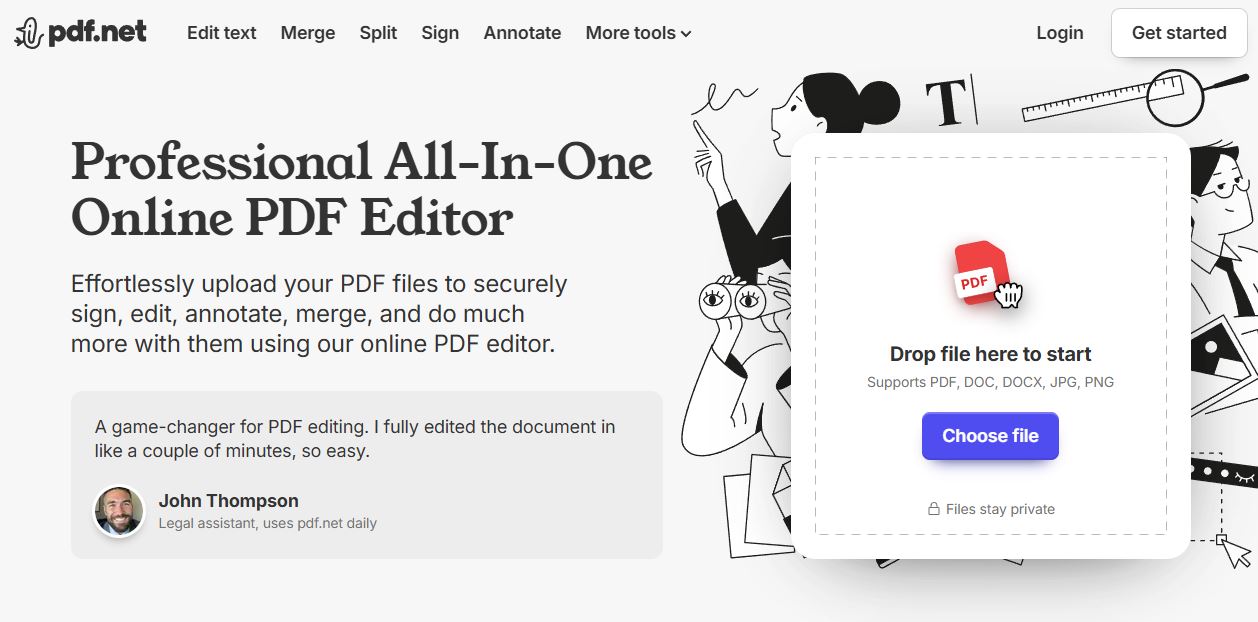
PDF.net is an online PDF editor designed to handle document tasks in a simple and accessible way. It allows users to edit PDF text, add annotations, merge or split files, convert documents between PDF and common file formats, and apply basic security such as password protection. The platform also supports electronic and digital signatures, making it useful for signing forms and agreements without complex workflows.
PDF.net focuses on straightforward functionality rather than enterprise-level document management, making it suitable for individuals, students, freelancers, and small teams who need to work with PDFs efficiently. Its interface is clean and intuitive, helping users complete common PDF actions quickly without a steep learning curve. By covering core editing, conversion, and protection features in one place, It serves as a practical solution for everyday PDF needs.

Be the first to leave a review for PDF.net
Write a ReviewThe top 5 features of PDF.net include:
PDF.net serves a wide range of businesses including Freelancers, Startups, SMEs.
PDF.net is compatible with multiple platforms, Web App
The top three competitors of PDF.net are Advanced PDF Manager, Systweak PDF Editor and PDF Split Merge More. To find the best fit for your business, compare and evaluate each platform's features, advantages, disadvantages, and other key aspects.
Yes, PDF.net offers a trial option, allowing you to test its features and functionality before committing. This trial access helps you assess how well the software meets your specific needs and ensures it’s a good fit for your business.