 Write a Review
Get Demo
Procreate is a sophisticated, user-friendly iPad app for digital drawing, painting, and illustration. With a huge brush library, responsive Apple Pencil support, layered canvases, and a clear UI, it enables artists ranging from enthusiasts to pros to produce rich, raster-based artwork with a single purchase.

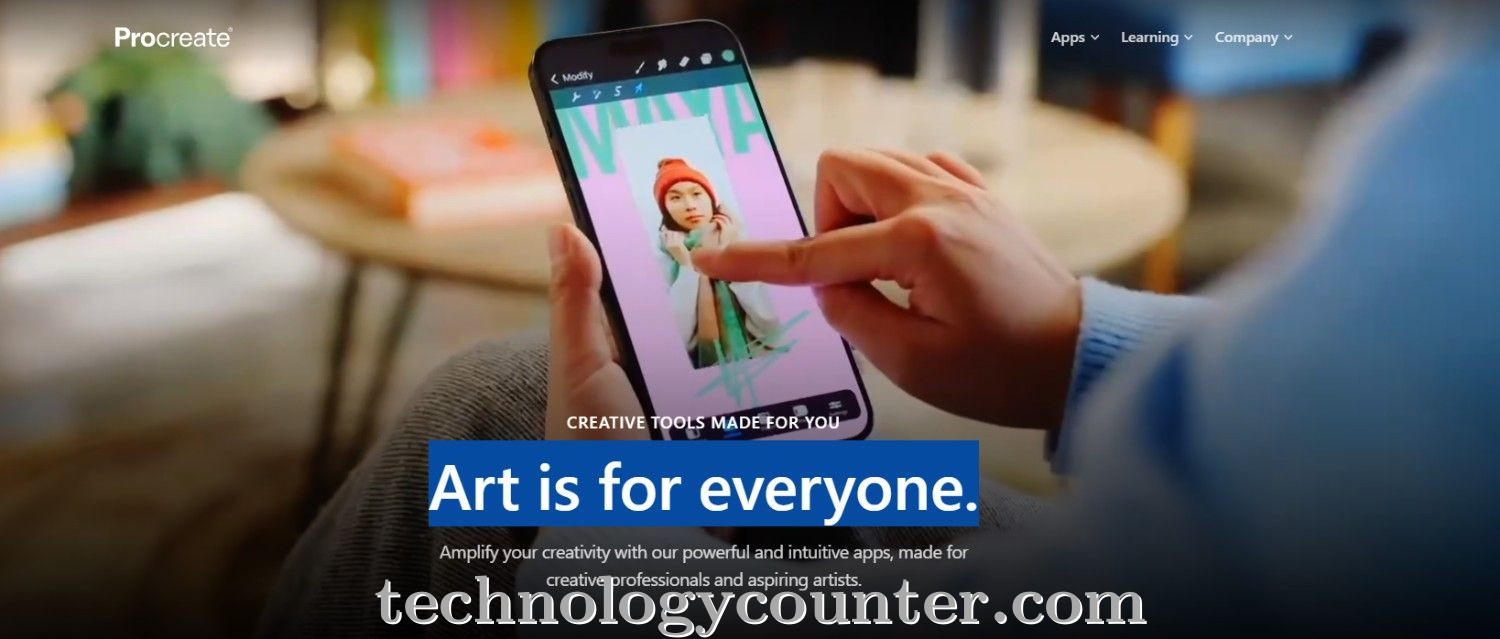
Procreate is a top digital art and illustration app built specifically for the iPad, and it's popular among artists, illustrators, and designers for its combination of creative power and usability. It includes a wide range of capabilities, including fully adjustable brushes (with support for importing custom brushes), high-resolution canvases, many layers with blending modes, an intuitive gesture-based workflow, and direct support for the Apple Pencil, which makes drawing seem natural and accurate.
Users on review platforms highlight how Procreate simplifies the creative process: the clean, minimal interface keeps tools out of the way until needed; the brush responsiveness and variety provide flexibility; and layer management and export options (PNG, PSD, etc.) enable workflows comparable to desktop tools—but within a portable, tablet-based environment.

Be the first to leave a review for Procreate
Write a ReviewThe top 5 features of Procreate include:
Procreate serves a wide range of businesses including Freelancers, Startups, SMEs, Agencies.
Procreate is compatible with multiple platforms, Macintosh, IOS
The top three competitors of Procreate are IFW Web Studio, DesignNbuy and BrandCrowd. To find the best fit for your business, compare and evaluate each platform's features, advantages, disadvantages, and other key aspects.
Currently, Procreate does not offer trial access. However, you can still explore its capabilities through available product demos, feature guides, and customer reviews.