 Write a Review
Get Demo
Synthesia is an AI-powered video editor that transforms text screenplays into professional videos with lifelike AI avatars and natural voiceovers. It eliminates cameras, speeds up production by 80%, and provides 1-click translation into 140+ languages. Suitable for scalable training, marketing, and corporate communication.
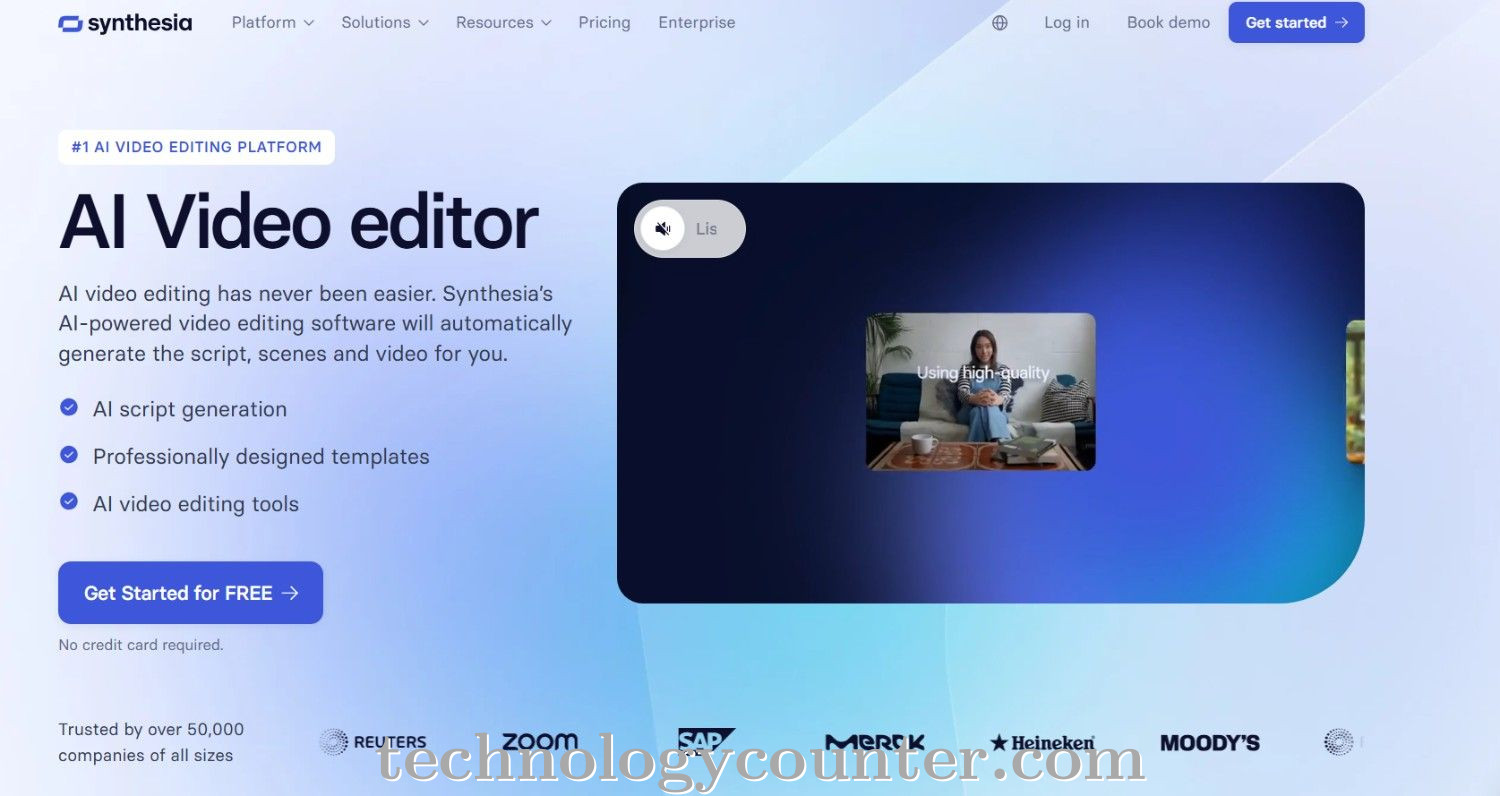
Synthesia is a cutting-edge, AI-powered video creation tool that revolutionizes video editing by enabling users to create professional, studio-quality videos from plain text scripts. It is not a standard timeline-based editor, but rather a Text-to-Video engine that generates photorealistic.
AI avatars (digital presenters) and natural-sounding AI voiceovers in more than 140 languages. This eliminates the need for cameras, microphones, actors, and advanced editing capabilities.
The platform is built for speed and scalability, allowing users, particularly those in Learning & Development, Marketing, and Internal Communications, to produce or update training modules, product explainers, and corporate messaging 80% faster than traditional techniques.
Users just select a template, select from a wide library of 240+ standard AI avatars (or design a custom digital twin), paste their script, and the AI synchronizes the avatar's lip movements, face expressions, and voice.

Be the first to leave a review for Synthesia Video Editor
Write a ReviewThe top 5 features of Synthesia Video Editor include:
Synthesia Video Editor serves a wide range of businesses including SMEs, Agencies, Enterprises.
Synthesia Video Editor is compatible with multiple platforms, Web App
The top three competitors of Synthesia Video Editor are Adobe After Effects, Adobe Creative Cloud and Adobe Premiere Pro. To find the best fit for your business, compare and evaluate each platform's features, advantages, disadvantages, and other key aspects.
Yes, Synthesia Video Editor offers a trial option, allowing you to test its features and functionality before committing. This trial access helps you assess how well the software meets your specific needs and ensures it’s a good fit for your business.