 Write a Review
Get Demo
Video to Video AI helps creators make prompt-guided variations of short source clips, with optional reference images, private previews, and MP4 downloads. It is a paid browser tool with sign-in and credit requirements.
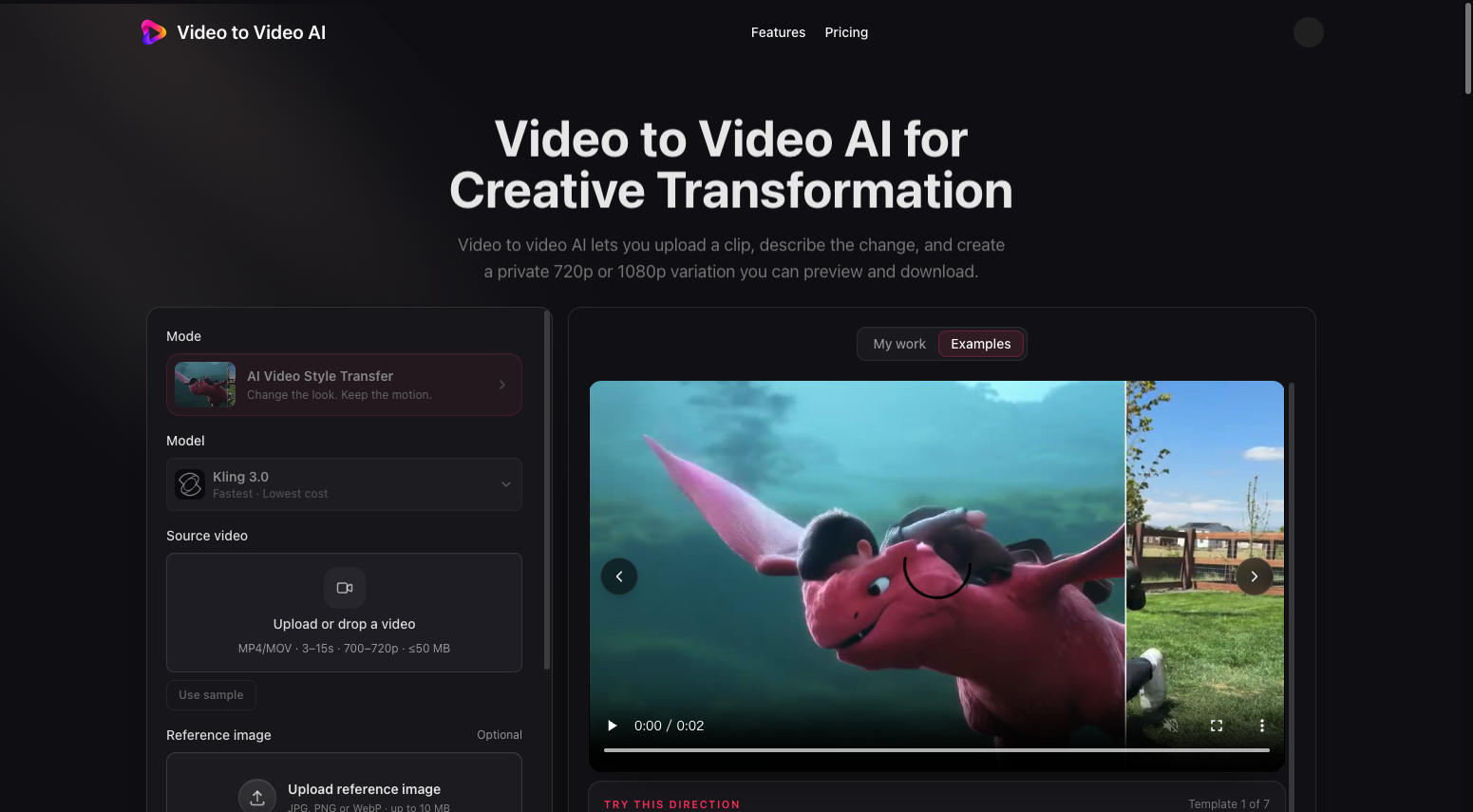
Video to Video AI is a paid browser tool to convert video using ai with prompts and reference images. It transforms short source clips through style transfer, background changes, relighting, and camera-angle adjustments. Users review private 720p or 1080p previews and download MP4 files. Extension makes a separate continuation clip rather than joining files. Sign-in and credits are required. Inspect motion before use.

Be the first to leave a review for Video to Video AI
Write a ReviewThe top 5 features of Video to Video AI include:
Video to Video AI serves a wide range of businesses including Freelancers, Agencies.
Video to Video AI is compatible with multiple platforms, Web App
The top three competitors of Video to Video AI are Adobe After Effects, Adobe Creative Cloud and Adobe Premiere Pro. To find the best fit for your business, compare and evaluate each platform's features, advantages, disadvantages, and other key aspects.
Currently, Video to Video AI does not offer trial access. However, you can still explore its capabilities through available product demos, feature guides, and customer reviews.