How Apple Intelligence Changes the Way iPhone Handles Daily Reminders and Focus

 16 Jun 2026
 Reading Time : 7 Minutes
Apple Intelligence is changing how iPhone users manage their daily activities, reminders, and attention. Users can benefit from a more personalized and productive experience by integrating the power of AI with Apples ecosystem. Rather than relying on simple reminder messages, Apple Intelligence can grasp context, prioritize critical tasks, and recommend timely actions based on user behavior and preferences. The new Focus mode also helps to limit distractions by intelligently filtering notifications, emphasizing critical communications, and tailoring settings to different tasks like work, school, or personal time. These AI-powered skills help users stay organized, manage their schedules more effectively, and focus better throughout the day.
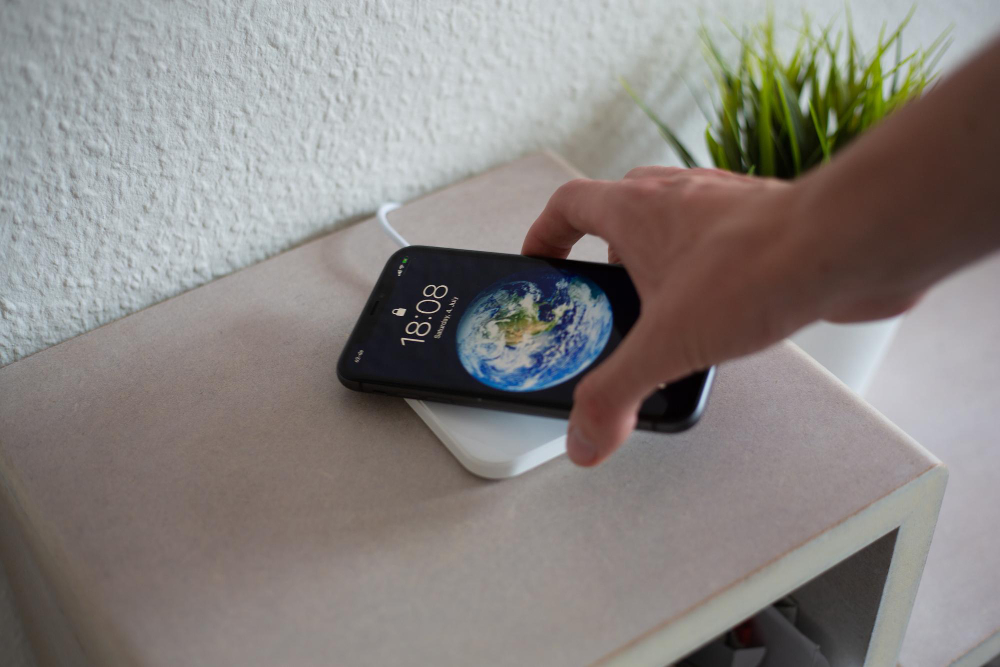
How Apple Intelligence Changes the Way iPhone Handles Daily Reminders and Focus
Apple Intelligence did not replace Reminders or Focus Mode. It made both of them quieter, smarter, and significantly more useful for people who actually rely on them to manage a day. If you have not revisited these two features since updating to iOS 18, you are likely missing the most practical improvements Apple Intelligence delivered.
What Apple Intelligence Actually Added to Reminders
The Reminders app in iOS 18 gained a capability that sounds minor until you use it: the ability to understand natural language input with enough context to set the right time, place, and priority without you specifying each manually.
Before Apple Intelligence, Reminders processed natural language entries like "call dentist" and created a reminder with no time, no location, and no priority, leaving the organisation to work for you. With Apple Intelligence active on a supported device, the same entry triggers a contextual analysis. If your calendar shows a gap on Thursday morning and your location history includes a dentist near your home, the app can suggest a time that fits without being asked.
This works across three areas:
-
Smart suggestions on reminder creation:- When you type or dictate a reminder, Apple Intelligence scans your calendar, your recent messages, and your established patterns to suggest when the reminder should fire. You can accept, modify, or ignore the suggestion. The model does not force a time; it proposes one.
-
Priority inference from content:- Reminders now apply priority flags based on the language used in the entry. "Must call the accountant before Friday" will be flagged as high priority. "Maybe pick up coffee filters sometime" will not. The inference is not perfect, but it is accurate enough to handle most routine entries without adjustment.
-
Grouping and deduplication:- If you create reminders across multiple days that describe the same task in different words, Apple Intelligence surfaces a suggested merge. Users who maintain reminders across personal and work lists will notice this most when the same task is entered twice in different contexts is flagged rather than silently duplicated.
What Changed in Focus Mode
Focus Mode received a more significant upgrade than Reminders in practical terms. The changes fall into two categories: smarter filtering and context-aware scheduling.
-
Intelligent notification filtering:- With Artificial Intelligence Tools active, Focus Mode can apply dynamic filtering based on message content rather than the sender alone. Under the previous system, you either allowed a contact through or you did not. Under the current system, the model reads incoming messages and can surface a notification during a Focus session if the content is time-sensitive, even from contacts not on your allowed list, while suppressing everything else.
-
AI-Powered Notification Prioritization: This is the feature that required the most adjustment period. In the first iOS 18 releases, the model occasionally surfaced notifications that were not actually time-sensitive. Apple refined the classification in subsequent point releases. The current implementation is reliable enough that most users have stopped second-guessing it.
-
Automatic Focus suggestions:- Apple Intelligence can suggest activating a Focus based on your current context location, time of day, calendar events, and app usage patterns. If you open a specific set of apps every weekday morning, the model learns the pattern and begins suggesting your Work Focus before you manually activate it. After a few weeks of use, this shifts from a suggestion you consciously accept to a behaviour the phone initiates without interrupting you.
-
Summary instead of a stack:- When a Focus session ends, instead of releasing a full stack of suppressed notifications at once, Apple Intelligence presents a grouped summary. You see one notification card per conversation or topic rather than fifteen separate alerts from the same thread.
How to Set These Features Up
Both improvements require Apple Intelligence to be enabled, which requires an iPhone 15 Pro, iPhone 15 Pro Max, or any iPhone 16 model running iOS 18.
To enable Apple Intelligence:
-
Go to Settings
-
Tap Apple Intelligence and Siri
-
Toggle Apple Intelligence on
-
Allow the model download to complete. This happens over Wi-Fi and takes fifteen to thirty minutes
To activate intelligent notification filtering in Focus:
-
Go to Settings → Focus
-
Select the Focus you use most (Work, Personal, or a custom Focus)
-
Under Notifications, tap People
-
Enable "Allow Notifications From" and add your priority contacts
-
Under the same screen, toggle on "Smart Filtering." This is the Apple Intelligence layer that reads message content
To enable smart Reminders suggestions:- Apple Intelligence suggestions in Reminders activate automatically once Apple Intelligence is enabled. There is no separate toggle. The suggestions appear as a lighter-coloured proposed time beneath the reminder entry, which you tap to accept.
Which Devices Support These Specific Features
| Feature | Minimum Device | iOS Required |
| Smart reminder suggestion | iPhone 15 Pro / 15 Pro Max / any iPhone 16 | iOS 18.1 or later |
| Intelligent Focus filtering | iPhone 15 Pro / 15 Pro Max / any iPhone 16 | iOS 18.0 or later |
| Notification summary in Focus | iPhone 15 Pro / 15 Pro Max / any iPhone 16 | iOS 18.0 or later |
| Automatic Focus suggestions | iPhone 15 Pro / 15 Pro Max / any iPhone 16 | iOS 18.2 or later |
Standard iPhone 15 and earlier models do not support any of these features, regardless of iOS version.
The Practical Impact on a Working Day
The most useful way to assess these changes is not by feature but by what they eliminate.
Before Apple Intelligence, effective use of Reminders and Focus required deliberate manual setup specifying times, setting priorities, curating allowed contact lists, and remembering to activate and deactivate Focus manually. The system worked, but placed the organisational burden on the user.
With Apple Intelligence active, the burden shifts. The phone learns the patterns, makes the low-stakes decisions, and surfaces the high-stakes ones. A user who previously needed to manage their Focus schedule manually now finds it activating at the right moments without intervention. A user who created unstructured reminders now finds them organised with suggested times and appropriate priorities.
The shift is not dramatic in any single interaction. Across a week of daily use, it compounds into a phone that generates less cognitive overhead meaningfully.
For a broader look at how Apple Intelligence is changing the iPhone's role in daily life, the analysis at Hot Tech Today covers the full feature set in detail. For readers following Apple Intelligence development in the European market, including which features have rolled out in localised languages, Many tools can cover iOS updates specifically for the Apple ecosystem, and their iPhone coverage tracks feature availability per iOS release.
FAQ
Q.1) Does Apple Intelligence work with third-party reminder apps like Todoist or Things?
Ans:- Apple Intelligence's smart suggestion and priority inference features are currently limited to Apple's native Reminders app. Third-party apps can integrate with Siri and the system intelligence layer through Apple's APIs, but the depth of integration varies by app and is not yet equivalent to the native experience.
Q.2) Will Apple Intelligence learn my Focus schedule over time?
Ans:- Yes. The automatic Focus suggestion feature improves with use. The model observes your patterns over approximately two weeks before suggestions become reliable. If you change your schedule significantly, new job, travel, shift in daily routine, expect a recalibration period of similar length.
Q.3) Can Apple Intelligence be limited to only affect Focus and Reminders?
Ans:- There is no per-feature on/off toggle within Apple Intelligence. Enabling Apple Intelligence activates all on-device intelligence features simultaneously. Individual notification settings within Focus can be adjusted to override what the model filters, giving you manual control where needed.
Q.4) Does enabling Apple Intelligence affect battery life?
Ans:- The on-device inference has a measurable but small battery cost. Apple has optimised the Neural Engine to handle these workloads efficiently. Under normal daily use, Apple Intelligence features do not produce a noticeable reduction in battery life. Continuous background tasks like pattern learning run at low-priority intervals rather than continuously.
Q.5) Is there a way to see what Apple Intelligence flagged as time-sensitive?
Ans:- In the Notification Summary delivered when a Focus session ends, items that were surfaced during the session (judged as time-sensitive) are marked distinctly from those that were held until the summary. This log is accessible by scrolling to the top of the summary card.




Subscribe & get all related Blog notification.



Post your comment