 Write a Review
Get Demo
AeroAdmin is a remote desktop software that allows you to seamlessly access and control computers from anywhere in the world. With its intuitive user interface and numerous advanced features, AeroAdmin simplifies the process of remote troubleshooting, providing a smooth is a experience for both the technician and the client.
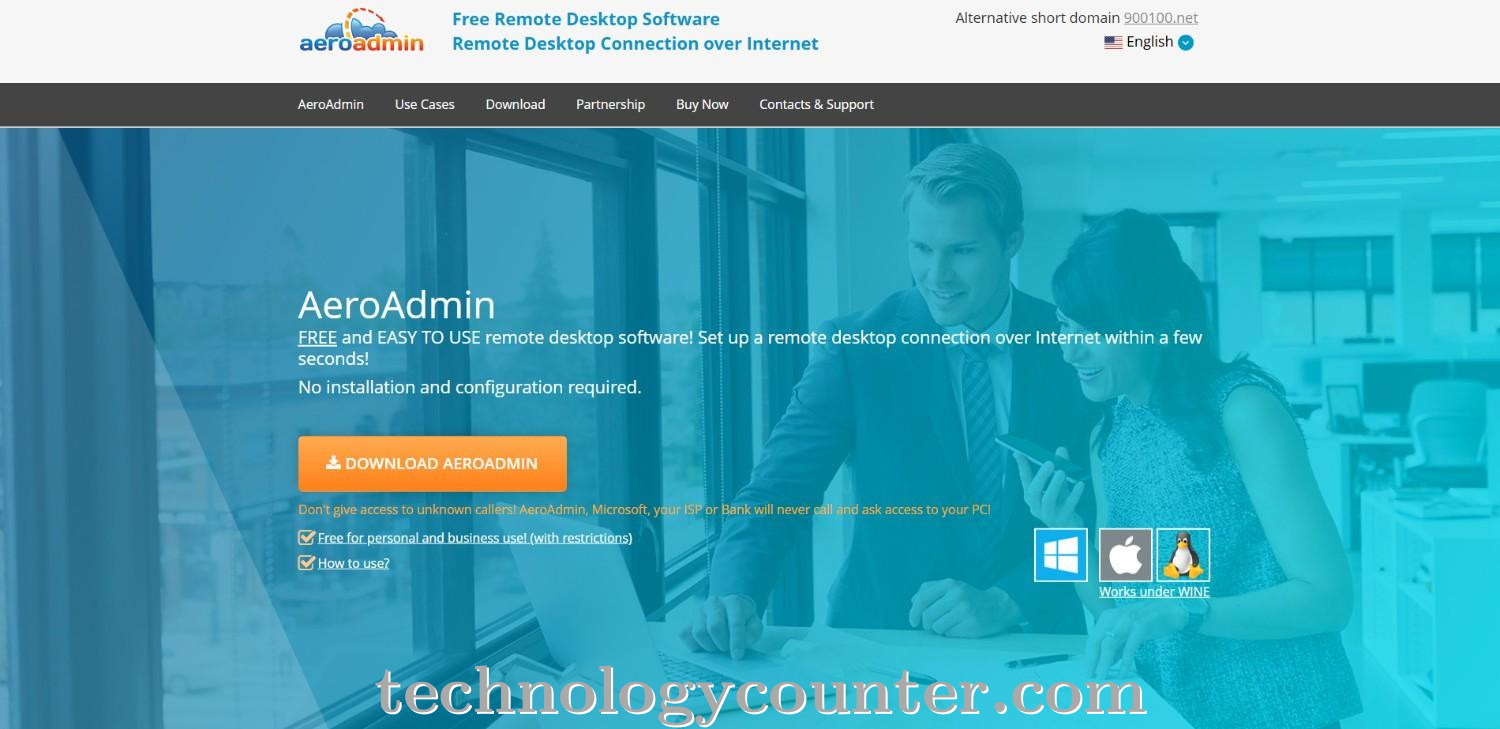
AeroAdmin is a lightweight, free remote desktop application that provides quick and secure remote access without the need for installation or extensive configuration. Users can quickly connect to remote computers by downloading and running a tiny executable file on both local and remote devices. AeroAdmin offers a variety of capabilities such as unattended access, file transfer, session recording, multi-monitor support, remote reboot, and clipboard synchronization, making it an excellent choice for IT assistance, remote administration, and team collaboration.
All data communicated during AeroAdmin sessions is end-to-end encrypted with AES and RSA algorithms to ensure maximum security and privacy. The platform is portable, running on a USB drive, and cross-platform compatible with Windows, Linux, and Mac OS. Other features include customisable branding, access rights management, session logging, and real-time monitoring, with the ability to upgrade to premium licenses for more extensive functionality. AeroAdmin's user-friendly interface and comprehensive feature set make it an excellent choice for both individual users and corporations looking for a secure and effective remote desktop solution.

Be the first to leave a review for AeroAdmin
Write a ReviewThe top 5 features of AeroAdmin include:
AeroAdmin serves a wide range of businesses including Freelancers, StartUps, SMEs, Agencies, Enterprises.
AeroAdmin is compatible with multiple platforms, No, IOS , Android
The top three competitors of AeroAdmin are Salesforce and Realx ERP. To find the best fit for your business, compare and evaluate each platform's features, advantages, disadvantages, and other key aspects.
Currently, AeroAdmin does not offer trial access. However, you can still explore its capabilities through available product demos, feature guides, and customer reviews.