
 Write a Review
Get Demo
Bandicam, a premier screen recording software that captures high-quality videos and images for all your recording needs. With an intuitive and user-friendly interface, Bandicam allows you to effortlessly record your screen, gameplay, or webcam with various customizable settings. Trusted by millions of users worldwide, Bandicam is the perfect choice for all your recording needs.
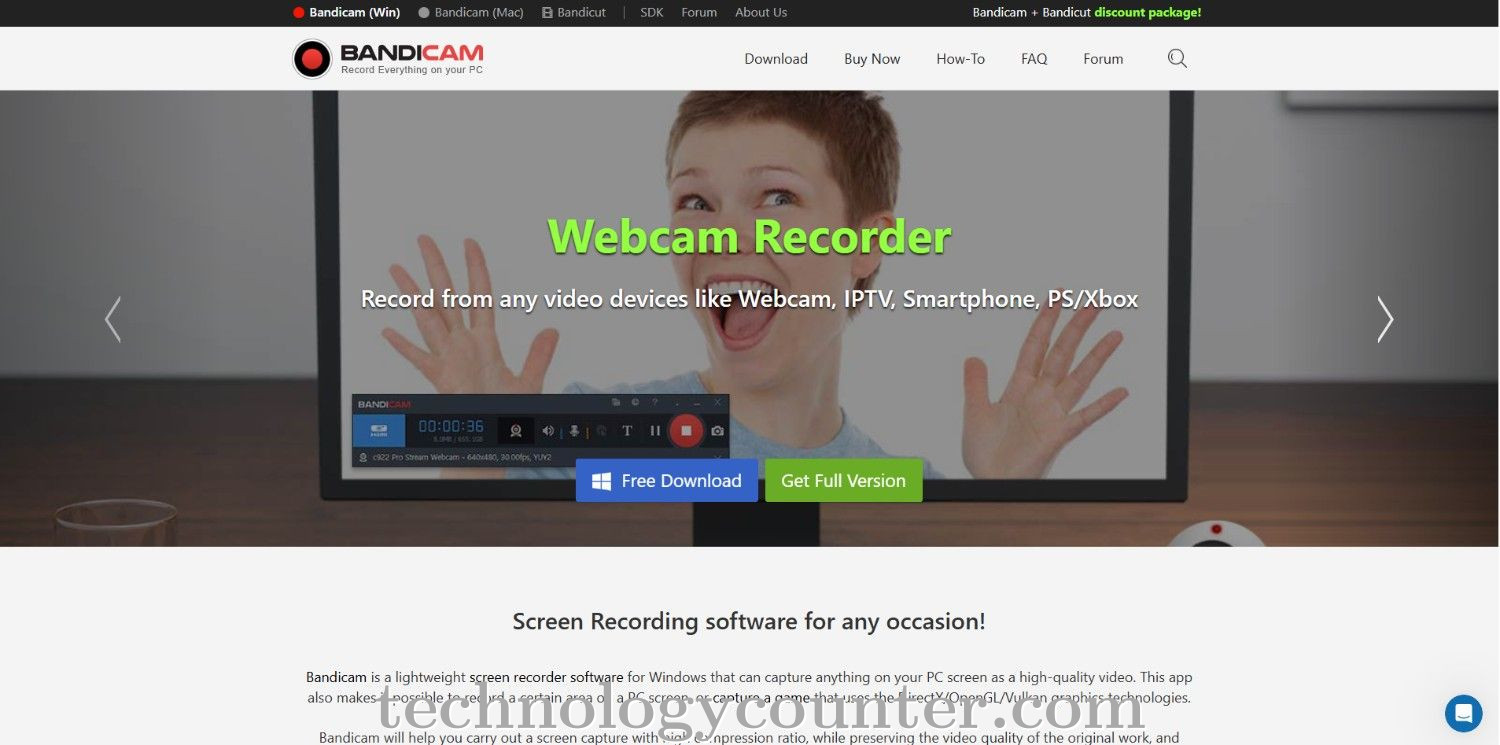
Bandicam is a strong, lightweight screen recording software for Windows that captures high-quality video for training, gaming, presentations, and other purposes. Bandicam allows users to record the full screen, a select window, or even a portion of the screen, making it excellent for multitasking and concentrated content creation. The software allows recording at up to 4K UHD resolution and 480 FPS, ensuring clear images and seamless playback, particularly in gaming and high-motion settings.
Bandicam distinguishes itself with capabilities such as real-time sketching and annotation tools, webcam overlay, scheduled recording, and the ability to record system audio and microphone input concurrently. Users can also capture screenshots, apply mouse click effects, and do basic editing tasks including trimming and connecting video segments. Bandicam's straightforward interface and robust performance make it a popular choice among experts and casual users alike, providing flexibility and efficiency for a wide range of screen recording applications.

Be the first to leave a review for Bandicam
Write a ReviewThe top 5 features of Bandicam include:
Bandicam serves a wide range of businesses including StartUps, SMEs, Enterprises.
Bandicam is compatible with multiple platforms, Yes, IOS , Android
The top three competitors of Bandicam are Adobe Captivate, Amazing Free Screen Recorder and AnyMirror. To find the best fit for your business, compare and evaluate each platform's features, advantages, disadvantages, and other key aspects.
Currently, Bandicam does not offer trial access. However, you can still explore its capabilities through available product demos, feature guides, and customer reviews.