 Write a Review
Get Demo
CrispShare is a free browser-based screenshot editor that turns plain captures into polished share-ready images with backgrounds, gradients, shadows, padding, rounded corners, and clean export controls.
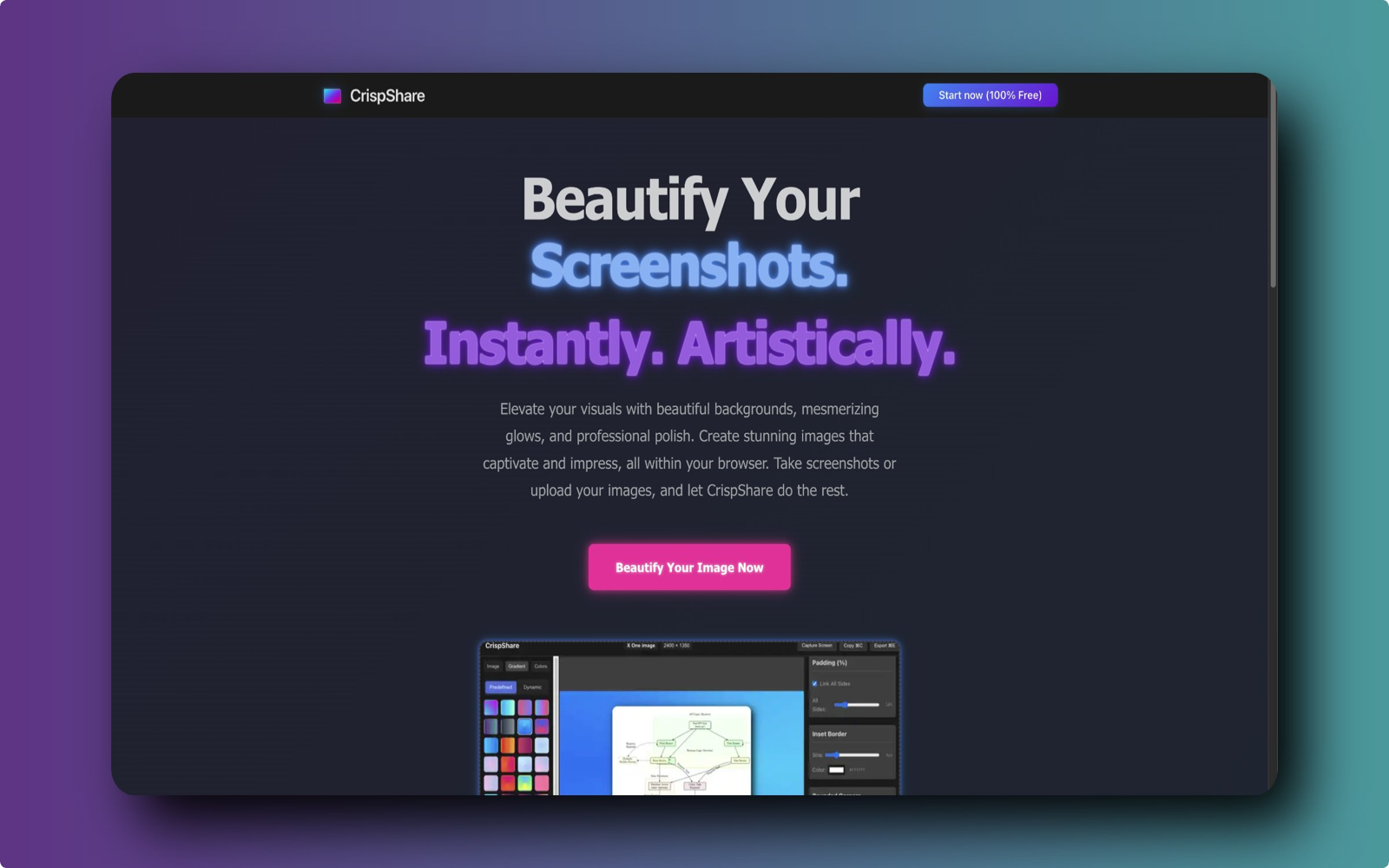
CrispShare helps founders, makers, product teams, educators, and creators turn ordinary screenshots into polished visuals without installing design software. Upload or paste a screenshot, choose a clean background, tune padding, rounded corners, shadows, gradients, and layout, then export a crisp image for websites, app stores, social posts, documentation, launch pages, and support articles. The editor runs in the browser, keeps the workflow fast, and is free to use, making it a practical alternative to heavyweight image editors when the goal is attractive product screenshots and marketing-ready visuals.

Be the first to leave a review for CrispShare
Write a ReviewThe top 5 features of CrispShare include:
CrispShare serves a wide range of businesses including Freelancers, Startups, SMEs, Agencies.
CrispShare is compatible with multiple platforms, Web App
The top three competitors of CrispShare are Phot AI, 5DFly Photo Design and ACDSee. To find the best fit for your business, compare and evaluate each platform's features, advantages, disadvantages, and other key aspects.
Currently, CrispShare does not offer trial access. However, you can still explore its capabilities through available product demos, feature guides, and customer reviews.