 Write a Review
Get Demo
Descript is a and innovative software that offers a seamless audio and video editing experience. With its user-friendly interface features, Descript revolutionizes the way we edit and produce content. Say goodbye to tedious editing processes and hello to a streamlined is a workflow with Descript.
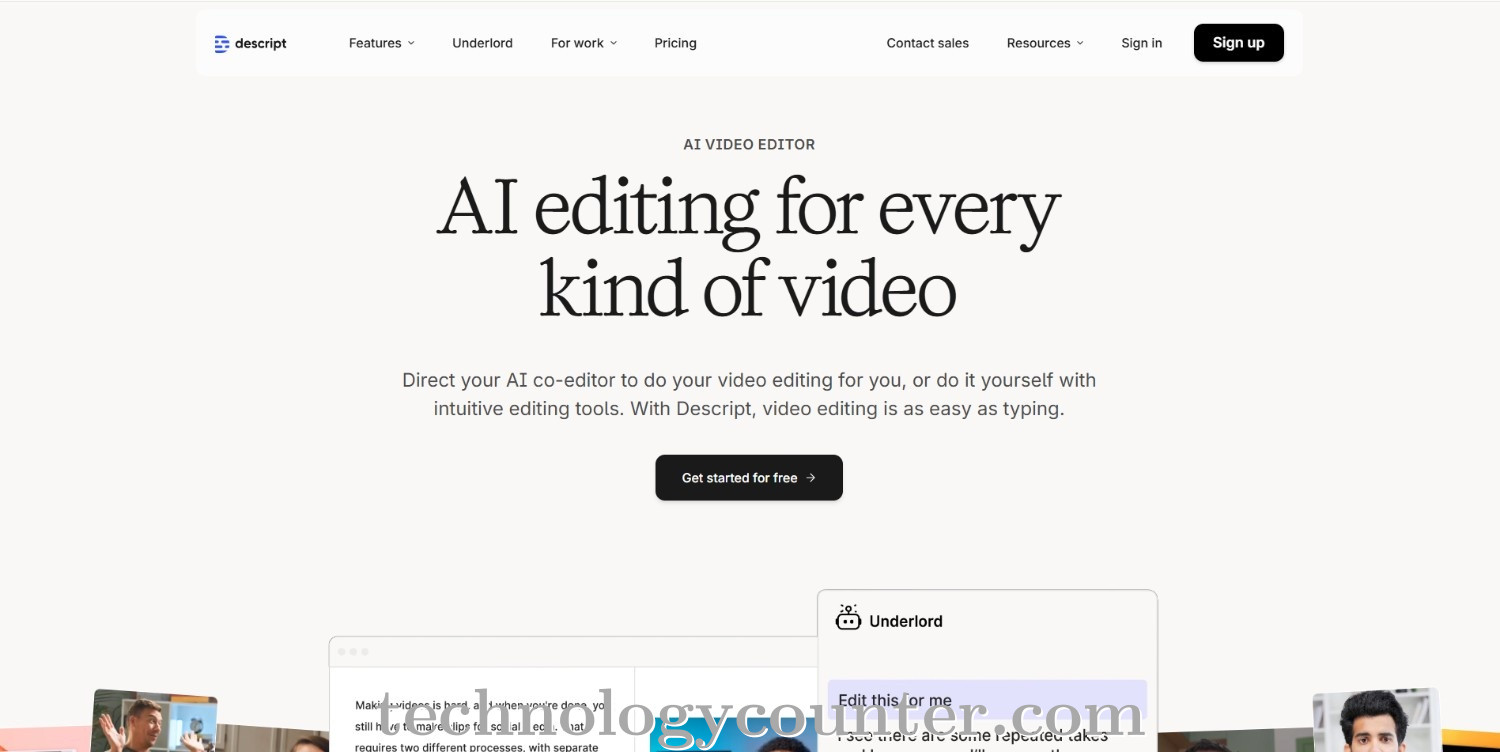
Descript is a cutting-edge screen recording program that combines robust recording features with advanced AI-powered editing tools, making it an excellent choice for creators, marketers, educators, and teams. Descript allows users to effortlessly record their screen, webcam, and audio at the same time, capturing tutorials, presentations, product demos, and more all from a single platform. The software works on both Windows and Mac, and its simple interface allows users to select recording regions, manage audio and video inputs, and begin recording with a few clicks.
What distinguishes Descript is its text-based editing tool, which automatically transcribes audio from recordings and enables users to alter video by simply editing the text cutting, rearranging, or eliminating sections as necessary. The platform also includes AI advancements like as filler word removal, studio sound, green screen effects, and caption synthesis, which provide professional-quality output without requiring sophisticated technical expertise. Descript accelerates the entire content creation process by seamlessly integrating recording, editing, and publishing features, making it ideal for anyone wishing to create quality films fast and efficiently.

Be the first to leave a review for Descript
Write a ReviewThe top 5 features of Descript include:
Descript serves a wide range of businesses including StartUps, SMEs, Agencies, Enterprises.
Descript is compatible with multiple platforms, No, IOS , Android
The top three competitors of Descript are Adobe Audition, Adobe PodCast and Apple GarageBand. To find the best fit for your business, compare and evaluate each platform's features, advantages, disadvantages, and other key aspects.
Currently, Descript does not offer trial access. However, you can still explore its capabilities through available product demos, feature guides, and customer reviews.