Write a Review
Get Demo
Use enCircuit to create production-ready schematics with symbol libraries, clean connection routing, explicit interface points, and documentation blocks that support design, service, quoting, and manufacturing.
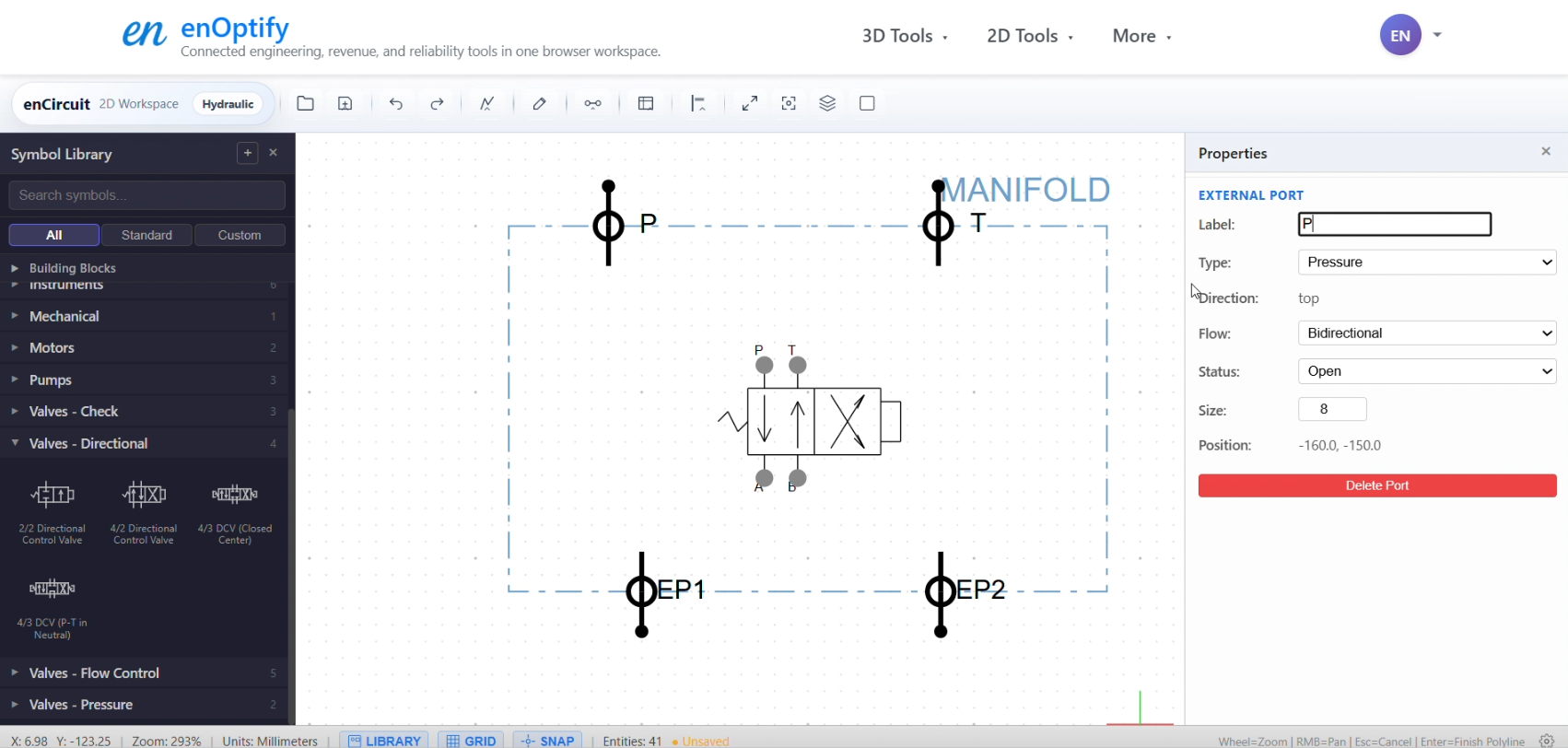
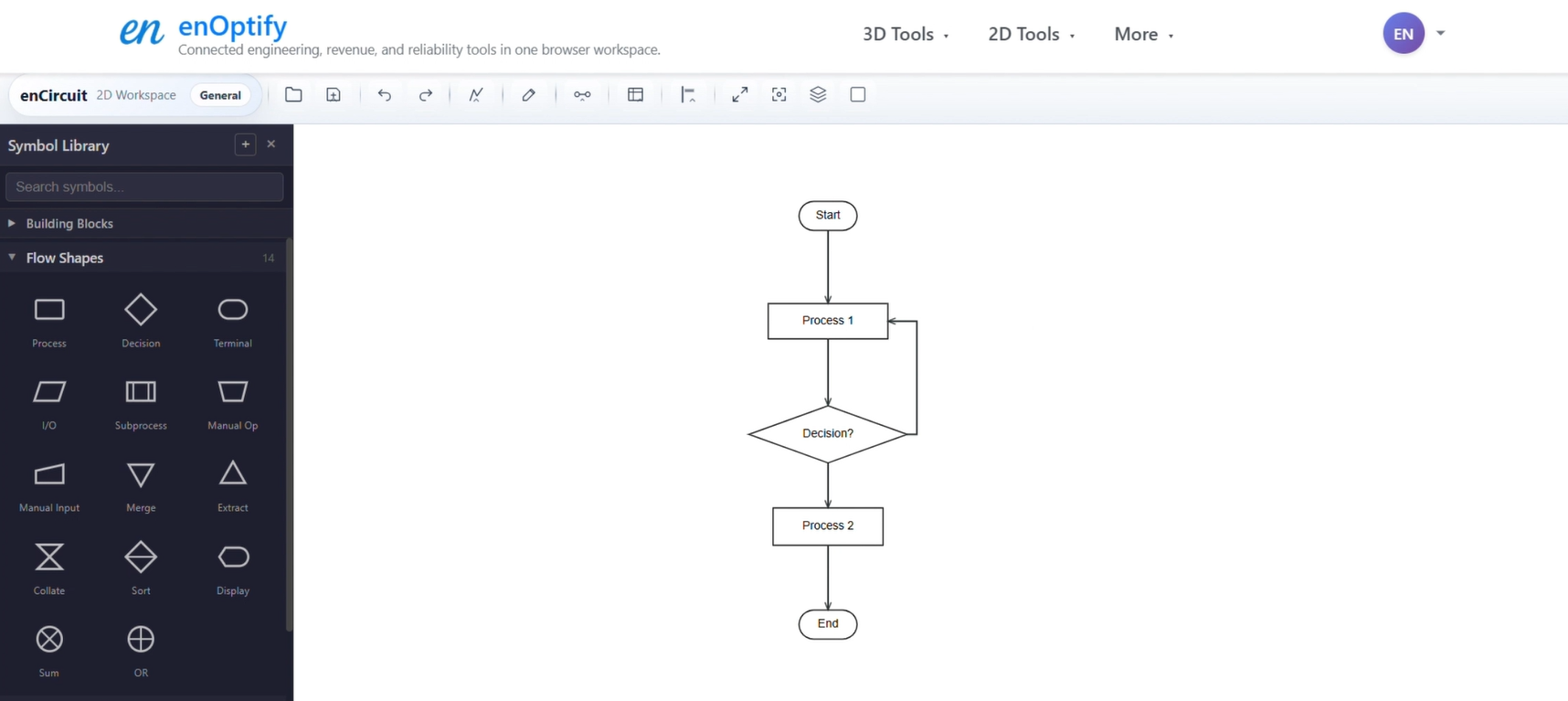
Connected schematic design for hydraulic, pneumatic, electrical, and general engineering diagrams
enCircuit gives engineering teams a browser-based schematic workspace for standards-aware drawing and structured documentation. Build diagrams faster, import and export DXF files, and keep external ports, BOM views, and custom tables aligned through handoff.
Use enCircuit to create production-ready schematics with symbol libraries, clean connection routing, explicit interface points, and documentation blocks that support design, service, quoting, and manufacturing.

Be the first to leave a review for enOptify enCircuit
Write a ReviewThe top 5 features of enOptify enCircuit include:
enOptify enCircuit serves a wide range of businesses including Freelancers, Startups, SMEs.
enOptify enCircuit is compatible with multiple platforms, Web App
The top three competitors of enOptify enCircuit are Adobe Illustrator, 3D Crafter and ArtRage. To find the best fit for your business, compare and evaluate each platform's features, advantages, disadvantages, and other key aspects.
Yes, enOptify enCircuit offers a trial option, allowing you to test its features and functionality before committing. This trial access helps you assess how well the software meets your specific needs and ensures it’s a good fit for your business.