
 Write a Review
Get Demo
ManageEngine OS Deployer streamlines OS imaging and deployment across physical and remote environments, supporting hardware-independent imaging, automated driver management, PXE/USB/ISO boot options, and user state migration for fast, large-scale device rollouts.
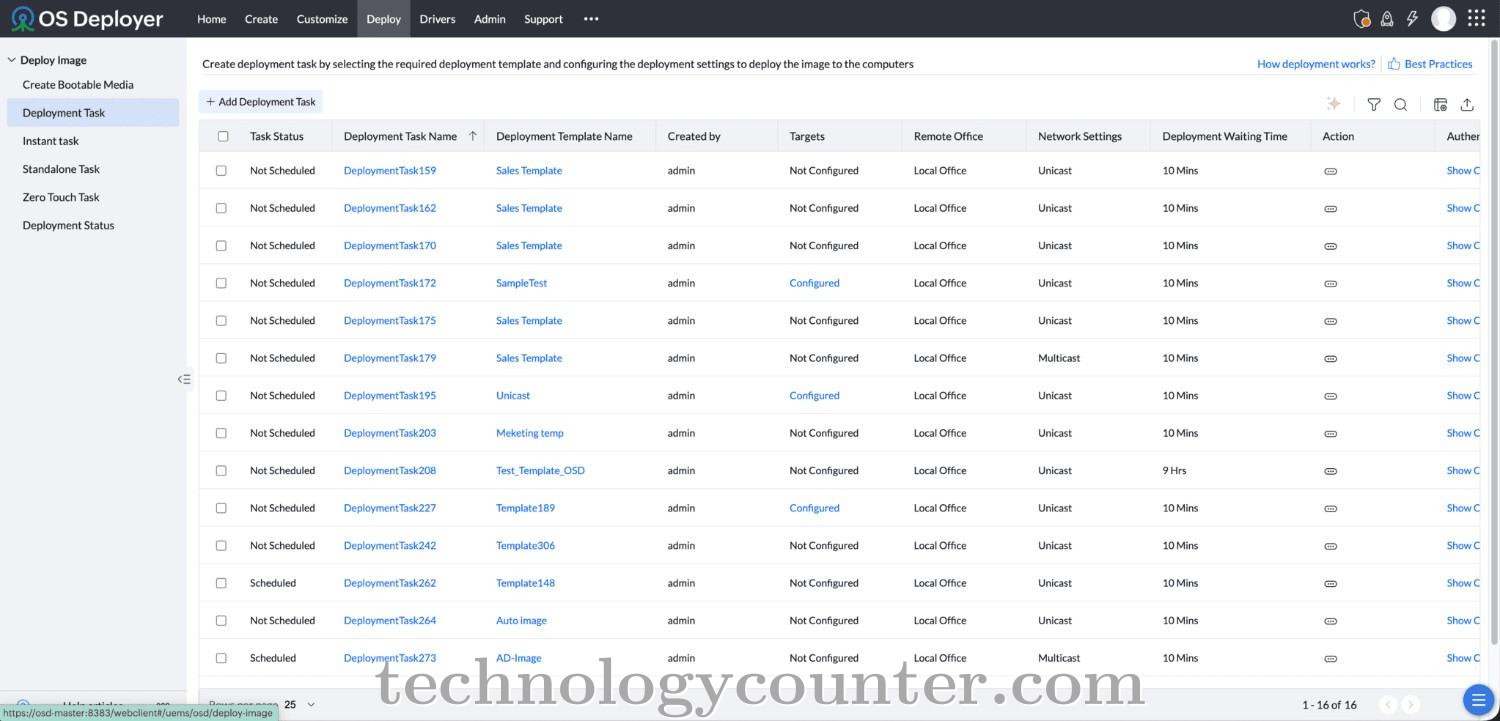
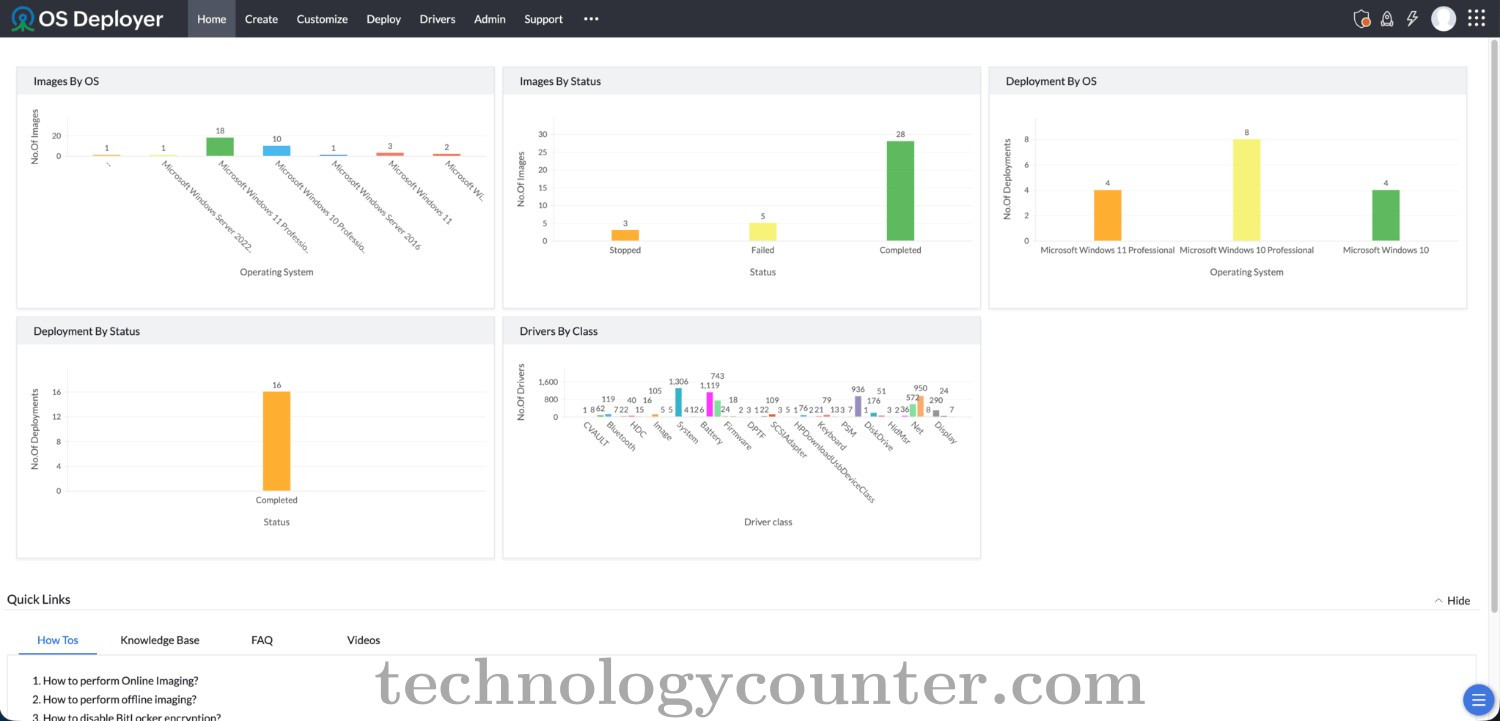
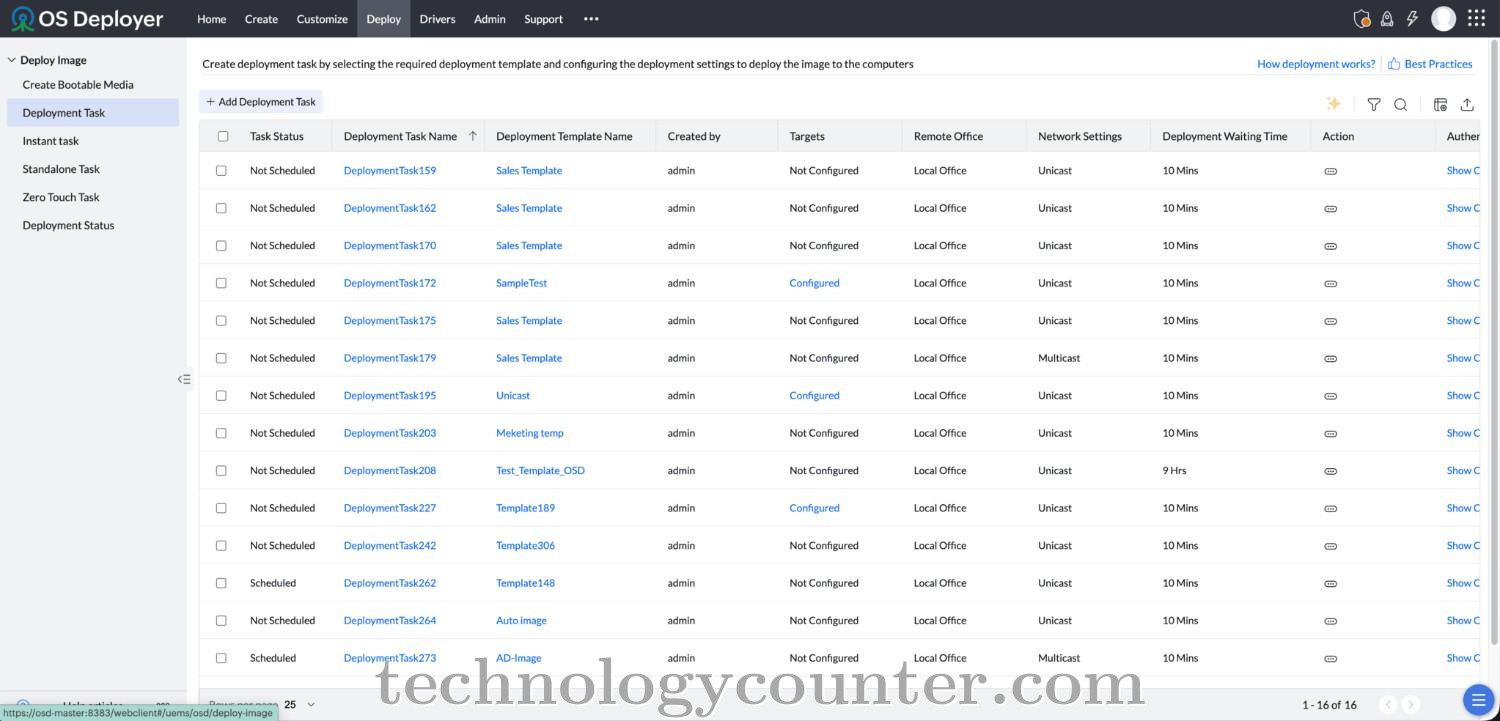
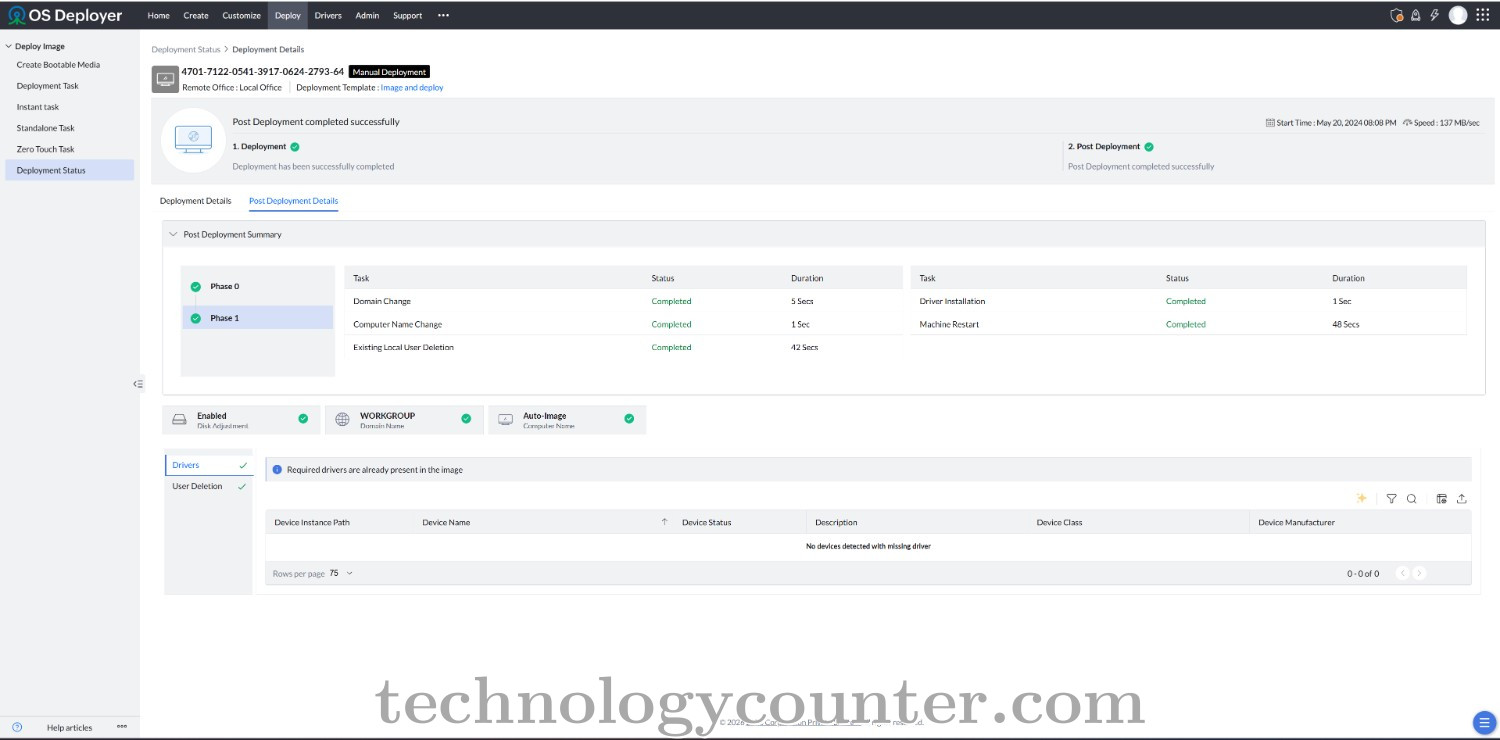
ManageEngine OS Deployer is an enterprise OS imaging and deployment solution that helps IT teams create, customize, and deploy operating systems across physical and remote devices quickly, consistently, and at scale.
Using a single golden image, IT administrators can deploy operating systems across diverse hardware models with hardware-independent deployment and automated driver management, eliminating compatibility issues. Flexible boot options including PXE, USB, ISO, and multicast support deployments across headquarters, branch offices, and remote locations from a centralized console.
Built-in user state migration preserves user files, profiles, and application settings during Windows version upgrades, while reusable deployment templates and automated workflows significantly reduce manual effort and deployment time. Zero-touch deployment further eliminates the need for device-by-device manual configuration.
Whether onboarding new employees, replacing aging hardware, upgrading to Windows 11, or restoring systems after failures, OS Deployer streamlines every stage of the OS deployment lifecycle improving operational efficiency across organizations of all sizes.

Be the first to leave a review for ManageEngine OS Deployer
Write a ReviewRemote OS deployment lets IT teams install standardized operating systems on computers across different locations without physically visiting each device.
OS Deployer replicates images to remote office Distribution Servers, allowing administrators to deploy operating systems locally while managing everything centrally.
OS Deployer replicates images to remote locations, reducing repeated transfers from headquarters to individual computers during deployment.
Yes. Hardware-independent deployment lets IT teams use a single OS image across computers with different hardware configurations.
Yes. OS Deployer supports multicast deployment, allowing the same OS image to be deployed to multiple computers simultaneously.
Yes. Deployment templates let administrators customize deployment settings for different offices, departments, or computer requirements.