
 Write a Review
Get Demo
WPS Office is a and versatile software designed to enhance productivity and streamline work processes for businesses and individuals alike. With its user-friendly interface and wide range of features, WPS Office offers an innovative is a solution for all your document creation, editing, and management needs. Experience the convenience and efficiency of WPS Office today.

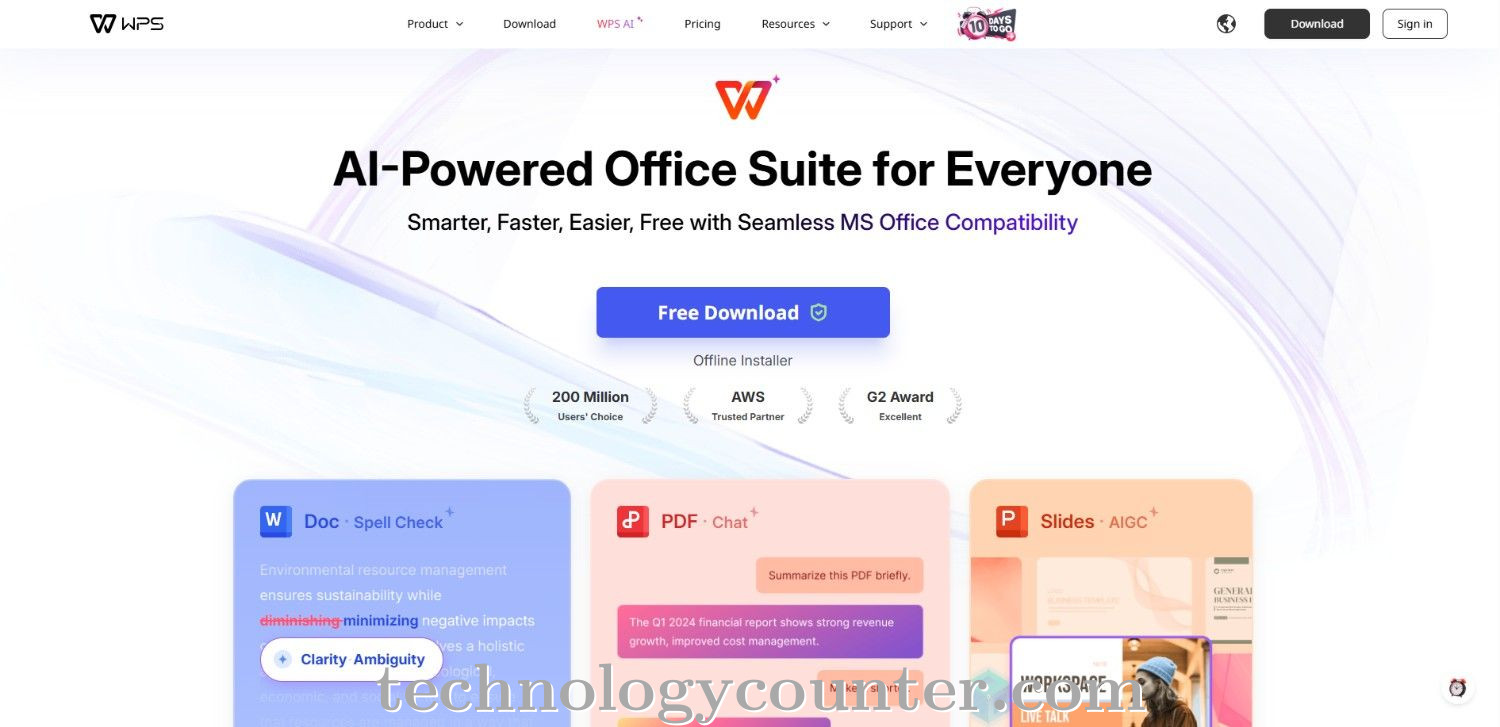
WPS Office is a versatile and user-friendly office suite software developed for organizations and people looking for a capable, low-cost alternative to standard office solutions. The suite works seamlessly with all major document formats, including Word, Excel, and PowerPoint, and includes advanced capabilities like AI-powered parallel translation, built-in PDF conversion, and real-time document collaboration.
Users may view and edit files from any device thanks to cloud storage integration, making remote and hybrid work settings more flexible. WPS Office also has a template library, advanced formatting tools, and strong security features, including end-to-end data encryption, to safeguard sensitive information.
The platform continues to advance with AI-powered features like intelligent spell-check, OCR for scanned documents, and automated data recovery, making it easier than ever to organize and process documents efficiently. WPS Office's easy design, cross-platform interoperability, and customized workflows boost productivity for teams of all sizes.
With integrated task management, calendar functionality, and seamless third-party app integration, WPS Office provides a complete solution for document creation, editing, sharing, and collaboration all in a lightweight, user-friendly package.

Be the first to leave a review for WPS Office
Write a ReviewThe top 5 features of WPS Office include:
WPS Office serves a wide range of businesses including Freelancers, StartUps, SMEs, Enterprises.
WPS Office is compatible with multiple platforms, No, IOS , Android
The top three competitors of WPS Office are Adobe Document Cloud, Rollbar bug tracking and WordPerfect Office. To find the best fit for your business, compare and evaluate each platform's features, advantages, disadvantages, and other key aspects.
Currently, WPS Office does not offer trial access. However, you can still explore its capabilities through available product demos, feature guides, and customer reviews.