 Write a Review
Get Demo
Inkscape is a vector graphics software that allows users to create professional-quality designs with ease. Its intuitive interface and wide range of features make it a top choice for artists, designers, and anyone looking to bring their creative visions to life. With its open-source nature, Inkscape is constantly evolving and continues to be a favorite among beginners and experts alike.
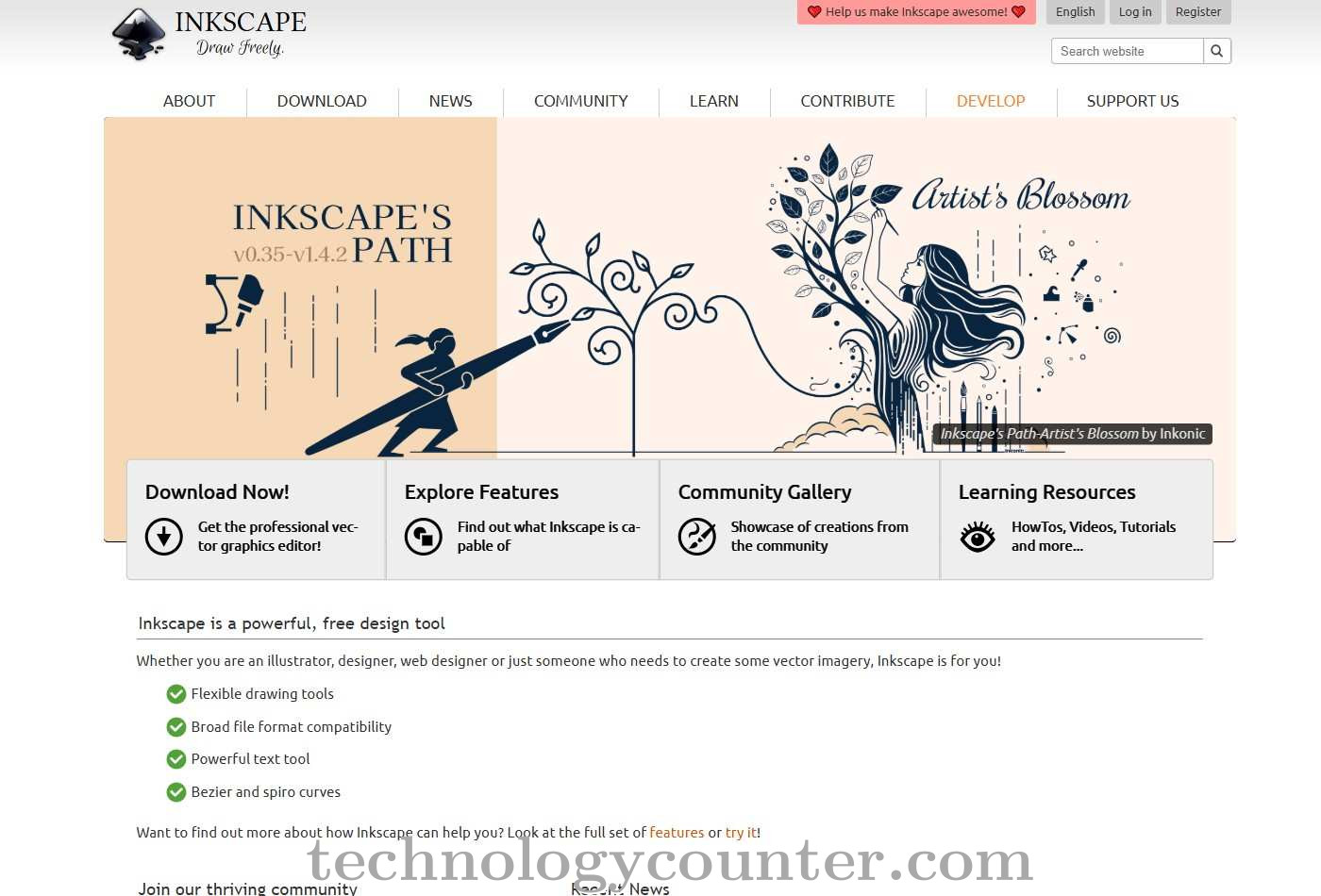
Inkscape is a sophisticated vector graphics editor that allows you to create professional-quality illustrations, logos, icons, and other visual designs. It is also free and open source. The platform has a full range of tools for vector drawing, shape manipulation, text editing, and object management, making it a versatile option for both new and seasoned designers.
Inkscape enables a wide range of creative workflows by providing powerful node editing, real-time object transformations, gradient fills, pattern support, and seamless raster-to-vector image tracing capabilities. Its extensive support for SVG, PNG, PDF, DXF, and other formats provides compatibility across a variety of design platforms.
Inkscape is notable for its customisable interface, huge extension library, and robust community support. The most recent upgrades include improved grid and guide settings, a redesigned swatches dialog, extended file import/export capabilities, and greater accessibility features.
Its open-source nature allows users to freely change and extend the software, and advanced users can manipulate SVG code directly using the XML editor. With no subscription fees and a dedicated global community, Inkscape is an excellent alternative for anyone looking for a versatile, cost-effective vector design solution.

Be the first to leave a review for Inkscape
Write a ReviewThe top 5 features of Inkscape include:
Inkscape serves a wide range of businesses including Freelancers, StartUps, SMEs.
Inkscape is compatible with multiple platforms, No, IOS , Android
The top three competitors of Inkscape are Adobe Illustrator, Canva and Vector Magic. To find the best fit for your business, compare and evaluate each platform's features, advantages, disadvantages, and other key aspects.
Currently, Inkscape does not offer trial access. However, you can still explore its capabilities through available product demos, feature guides, and customer reviews.