 Write a Review
Get Demo
Spredsheet-database hybrid to manage work and data. You can effortlessly manage and organize your data, streamline workflows, automate mundane tasks, and bring all your information into one place, making collaboration easy and boosting productivity.
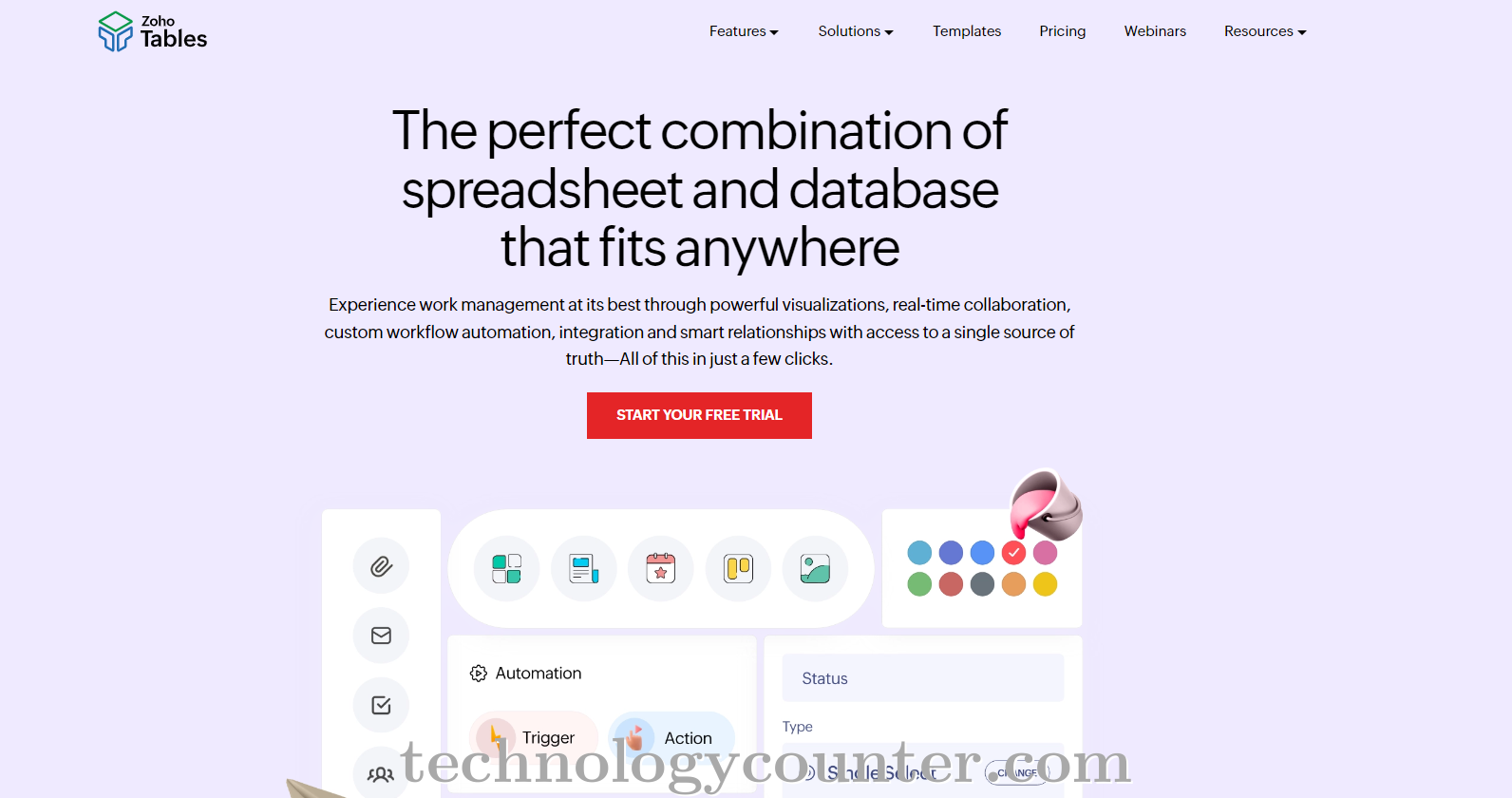
Zoho Tables is a no-code data management solution that functions as a spreadsheet-and-database hybrid, bringing together spreadsheet simplicity and relational database capabilities.
Zoho Tables offers five distinct views—Grid, Gallery, Kanban, Calendar, and Form—to help you visualize your data in the most suitable way for your needs, while dashboards make tracking key metrics easy. Beyond just organizing data, it enables you to establish smart relationships and collaborate seamlessly with team members while automating mundane tasks to enhance productivity.
The platform supports AI-based creation to create solutions in no time. With mobile applications available, Zoho Tables helps teams manage information anywhere, making it a flexible choice for businesses across industries.

Be the first to leave a review for Zoho Tables
Write a ReviewThe top 5 features of Zoho Tables include:
Zoho Tables serves a wide range of businesses including Freelancers, Startups, SMEs, Agencies, Enterprises.
Yes, Zoho Tables integrates seamlessly with: zoho flow, Zoho Cliq, Zoho CRM, Smartsheet, Zapier
Zoho Tables is compatible with multiple platforms, Web App, IOS , Android
The top three competitors of Zoho Tables are SysBud Lotus Notes to Outlook Converter, Softaken OST to PST Converter and BitVare for MBOX. To find the best fit for your business, compare and evaluate each platform's features, advantages, disadvantages, and other key aspects.
Yes, Zoho Tables offers a trial option, allowing you to test its features and functionality before committing. This trial access helps you assess how well the software meets your specific needs and ensures it’s a good fit for your business.







